.png?width=45&name=unnamed%20(4).png)

Quick Navigation & Action Guide
- From BI tool dashboard, go to Buyer / Seller pipeline
- Click on the At-Risk number to view which deals are currently flagged.
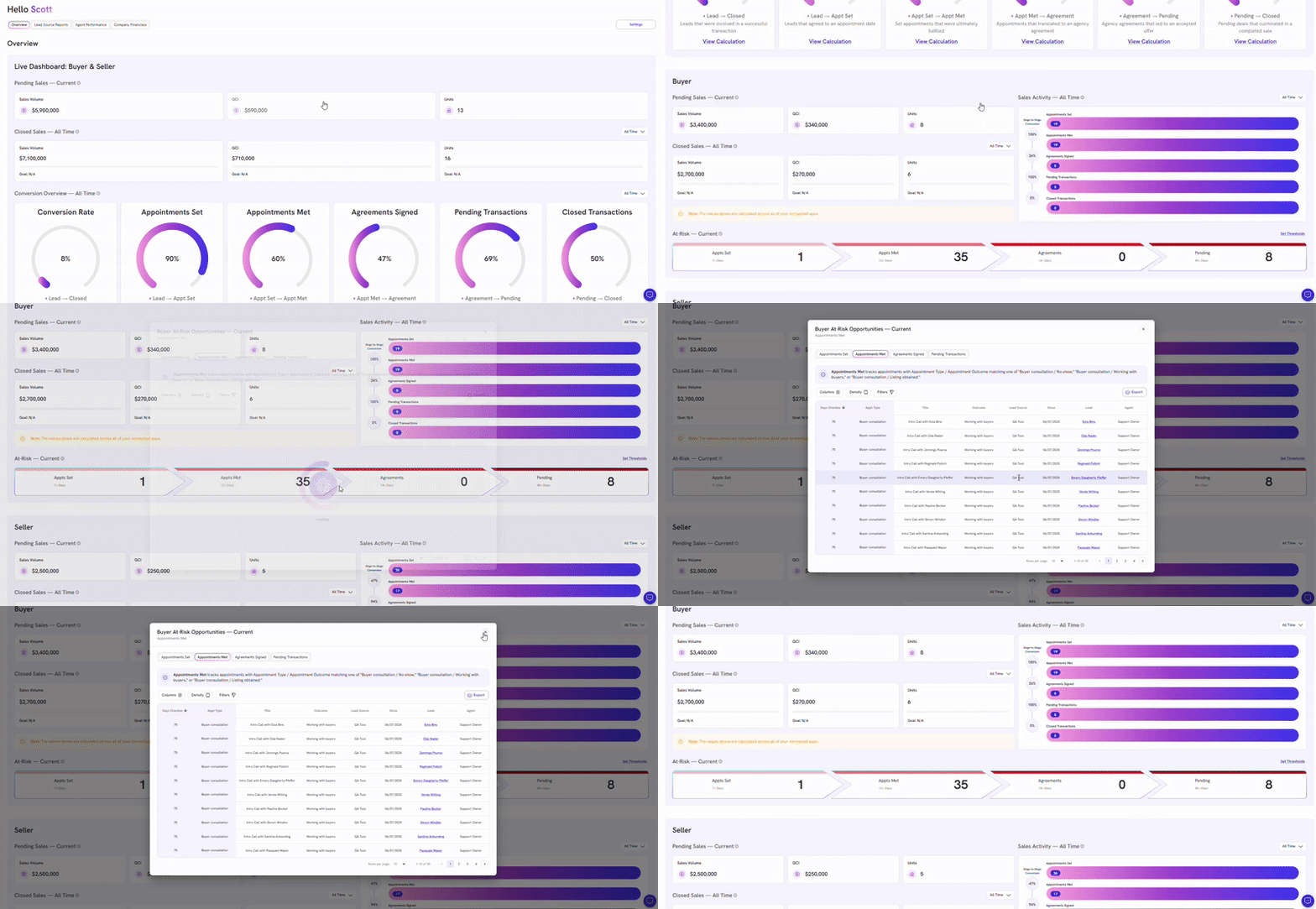
For Appointment Set and Met, you’ll see the following details:
- Days Overdue
- Appointment Type
- Deal Name
- Outcome
- Lead Source
- Date the Lead was created
- Lead Name (clickable) opens the deal in FollowUpBoss
- Agent / Owner
For Signed Agreements and Pending (Buyer and Seller side), and Active Listings(Seller side), you’ll see the following details:
- Days Overdue
- Pipeline & Stage
- Deal Name
- Sales Price
- GCI
- Date the Lead was created
- Lead Name (clickable) opens the deal in FollowUpBoss
- Agent / Owner
Note: Days overdue are calculated as the number of days past the defined threshold (e.g., if the threshold is 14 days, a deal flagged at-risk has been sitting for 14 days plus the additional overdue days).
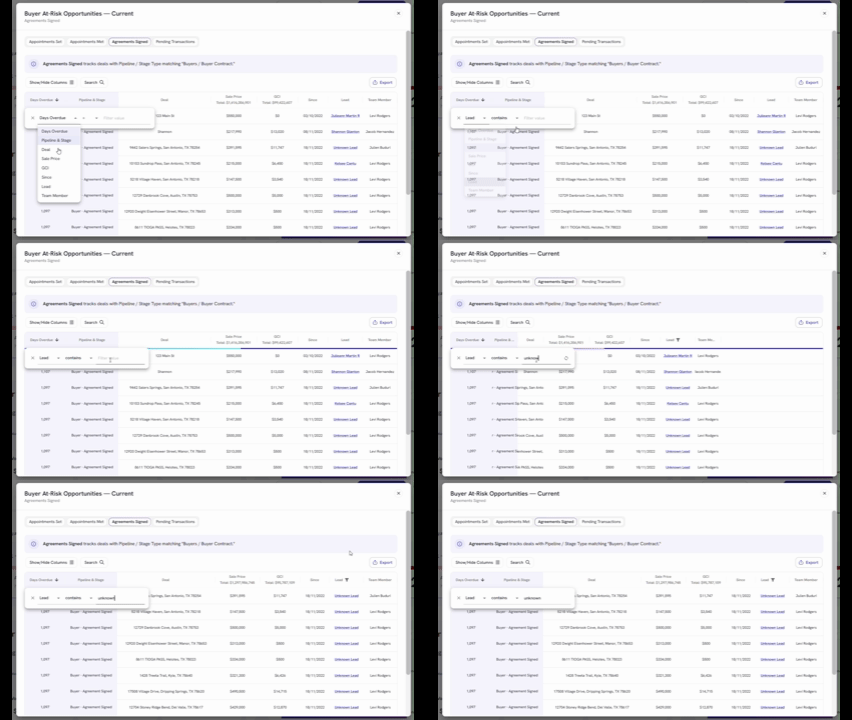
- Click Search filter to check Unknown Lead or Unknown Team Member from deals
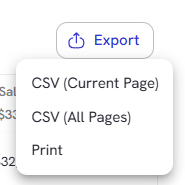
- Click export button to download current page or all pages of your report in CSV format