.png?width=45&name=unnamed%20(4).png)

This article provides what's inside the AI Insights for in-person appointments, detailing the dashboard's features for reviewing recordings
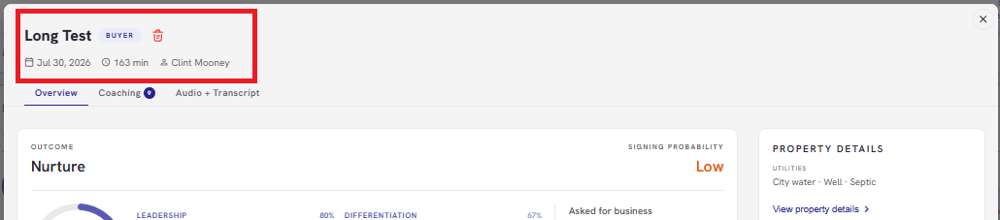
- Once you open a specific appointment insight, the top banner provides the following details:
- Date and time of the meeting
- Lead Name
- Lead Type (Seller/Buyer)
- Meeting Duration
- Your registered agent name
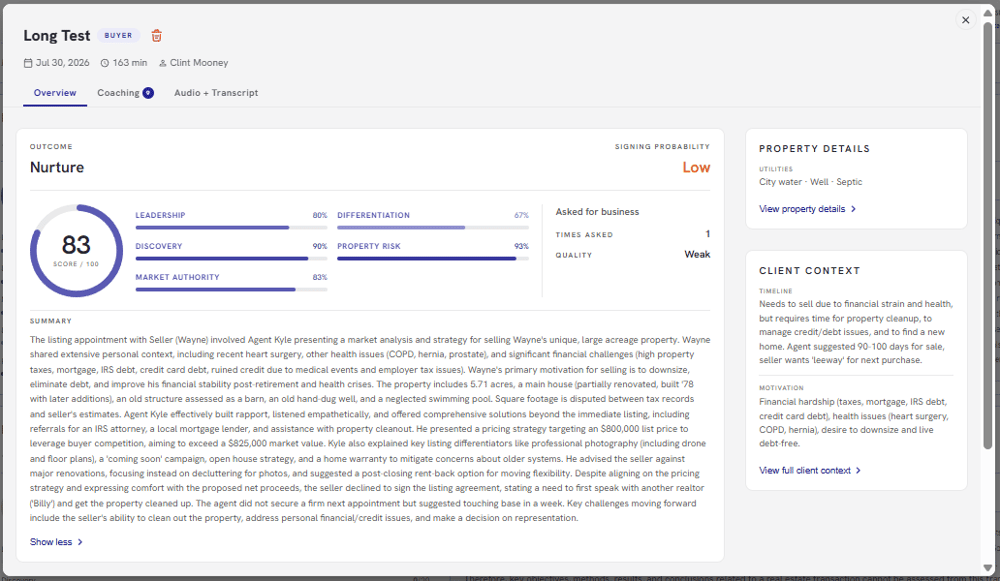
Overview Tab shows:
- Call Outcome
- Signing Probability (e.g. Nurture, Strong or At Risk)
- Performance Metrics:
- Leadership
- Discovery
- Market Authority
- Differentiation
- Property Risk
- Meeting Summary
- Actionable Next Steps
- Property Details
- Client Context
- Timeline
- Motivation
- Decision Makers
- Constraints
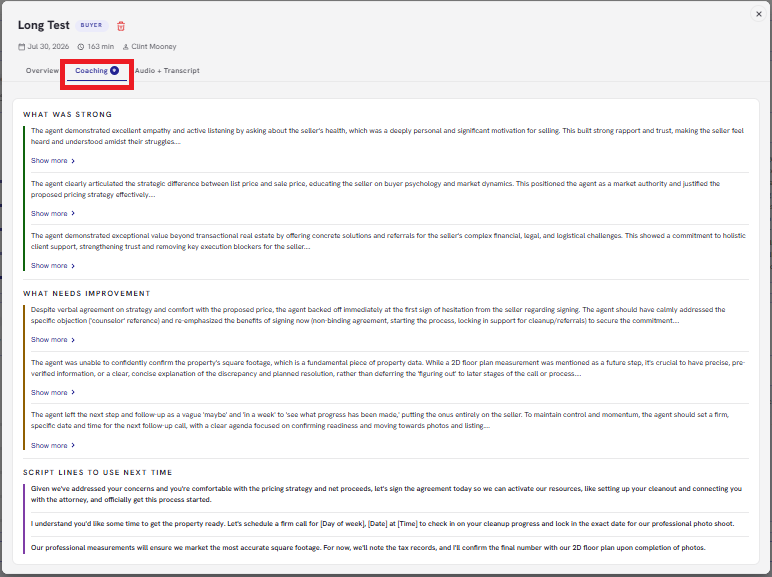
Coaching tab shows:
- What was strong
- What needs improv
- Script lines to use next time
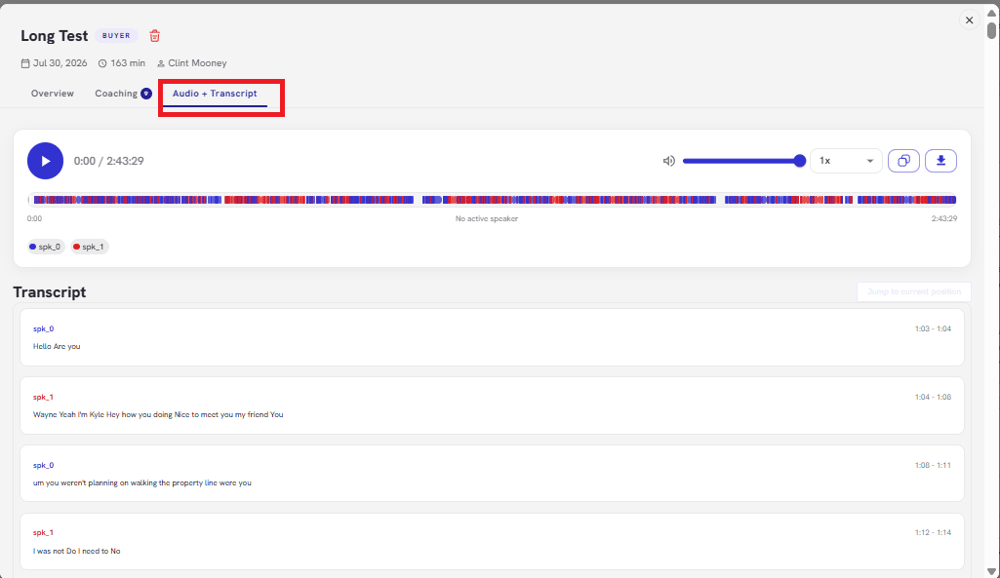
Audio + Transcript
- You can listen to the recording directly on the platform
- Click Download to save the audio file
- Copy Transcript
- Includes a color-coded speaker breakdown