
Access Conversation Intelligence to view AI insights and performance trends. Note that this feature is restricted to Owners, Admins, and Team Leaders.
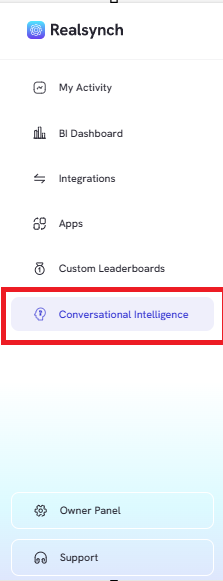
- From the RealSynch menu, click the “Conversation Intelligence” tab
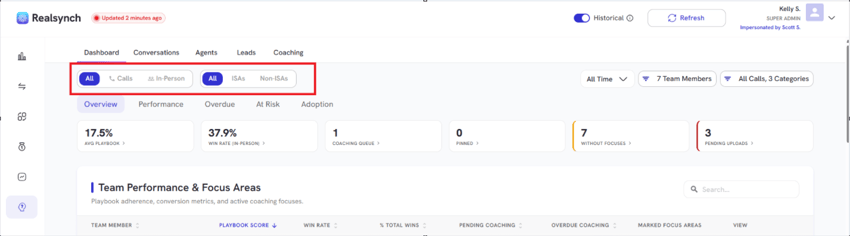
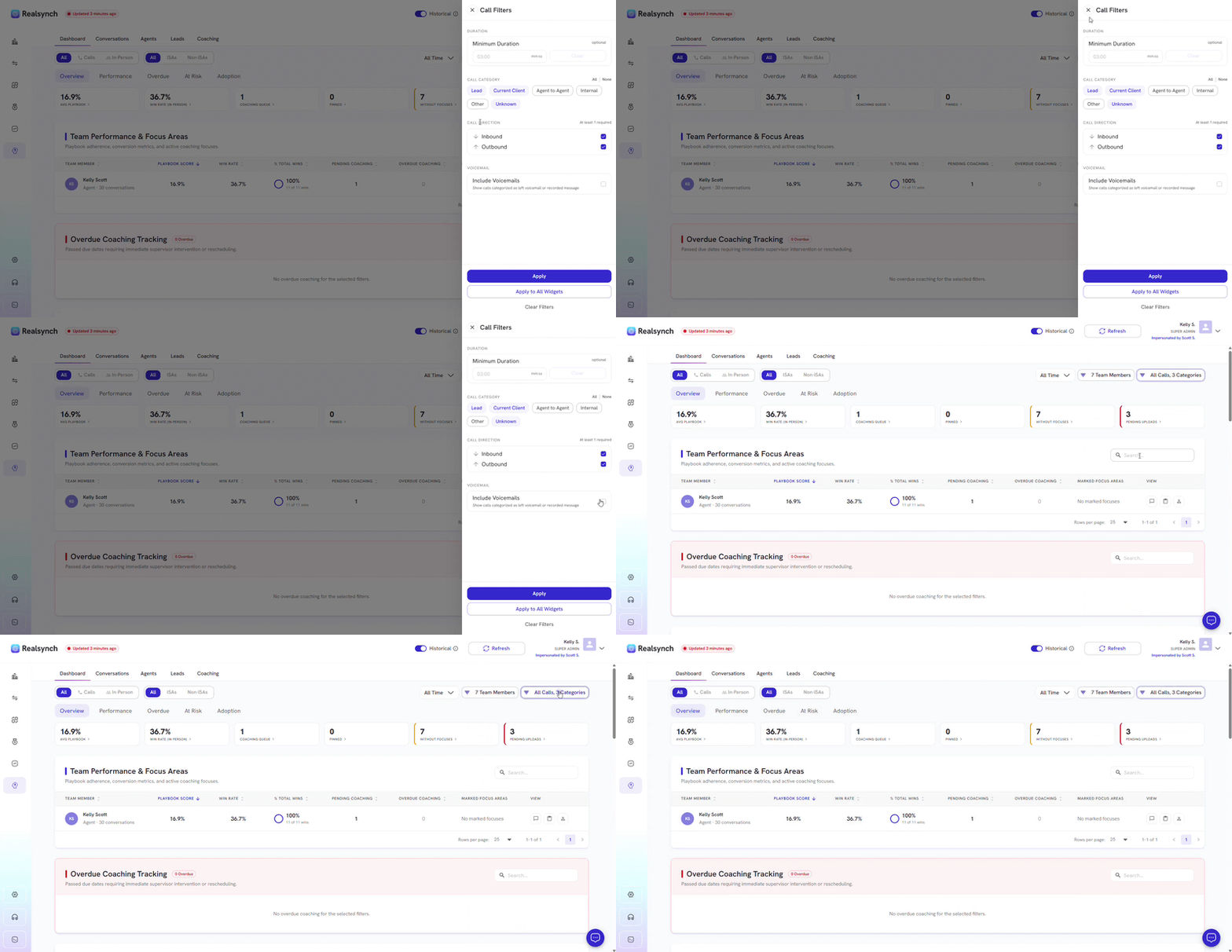
- Filter insights by type (All, Calls, or In-Person) and agent category (All, ISAs, or Non-ISAs)
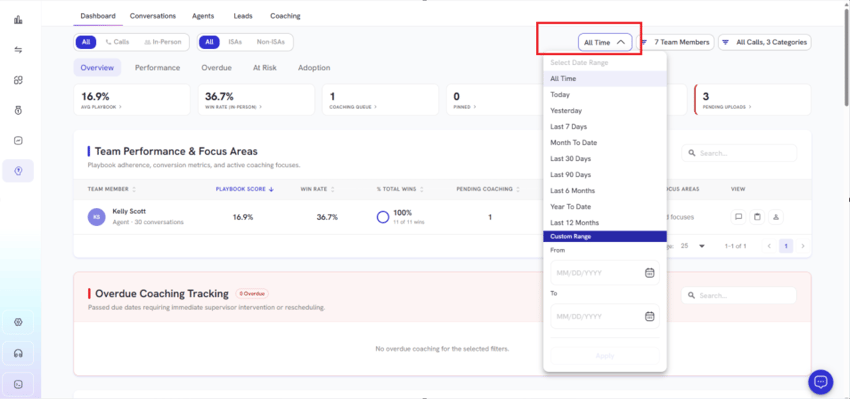
- Select preset ranges or define a Custom Time Range
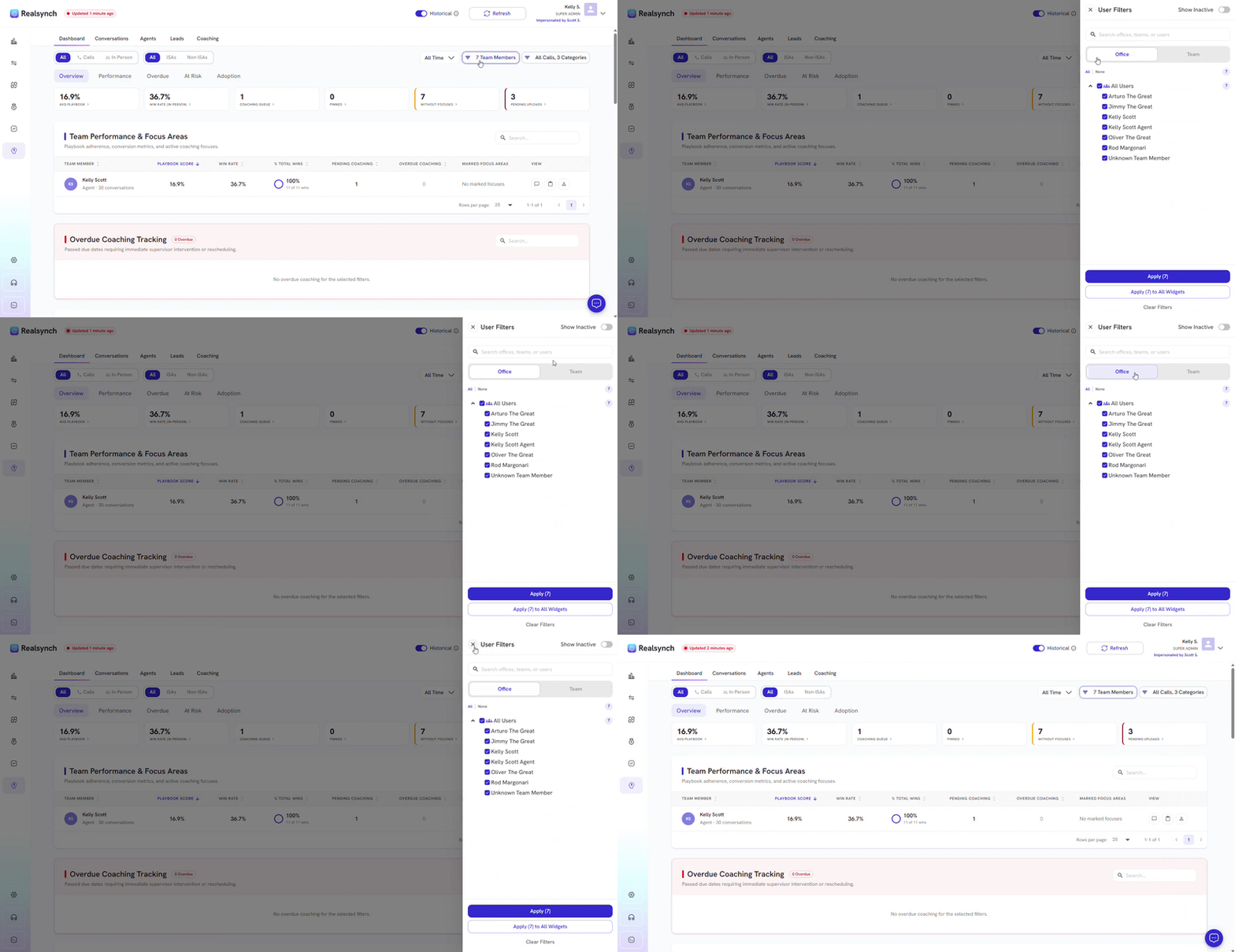
- Filter by team members, offices or teams
- Filter call duration, categories or include voicemails
-
Click within the cards to identify each metrics
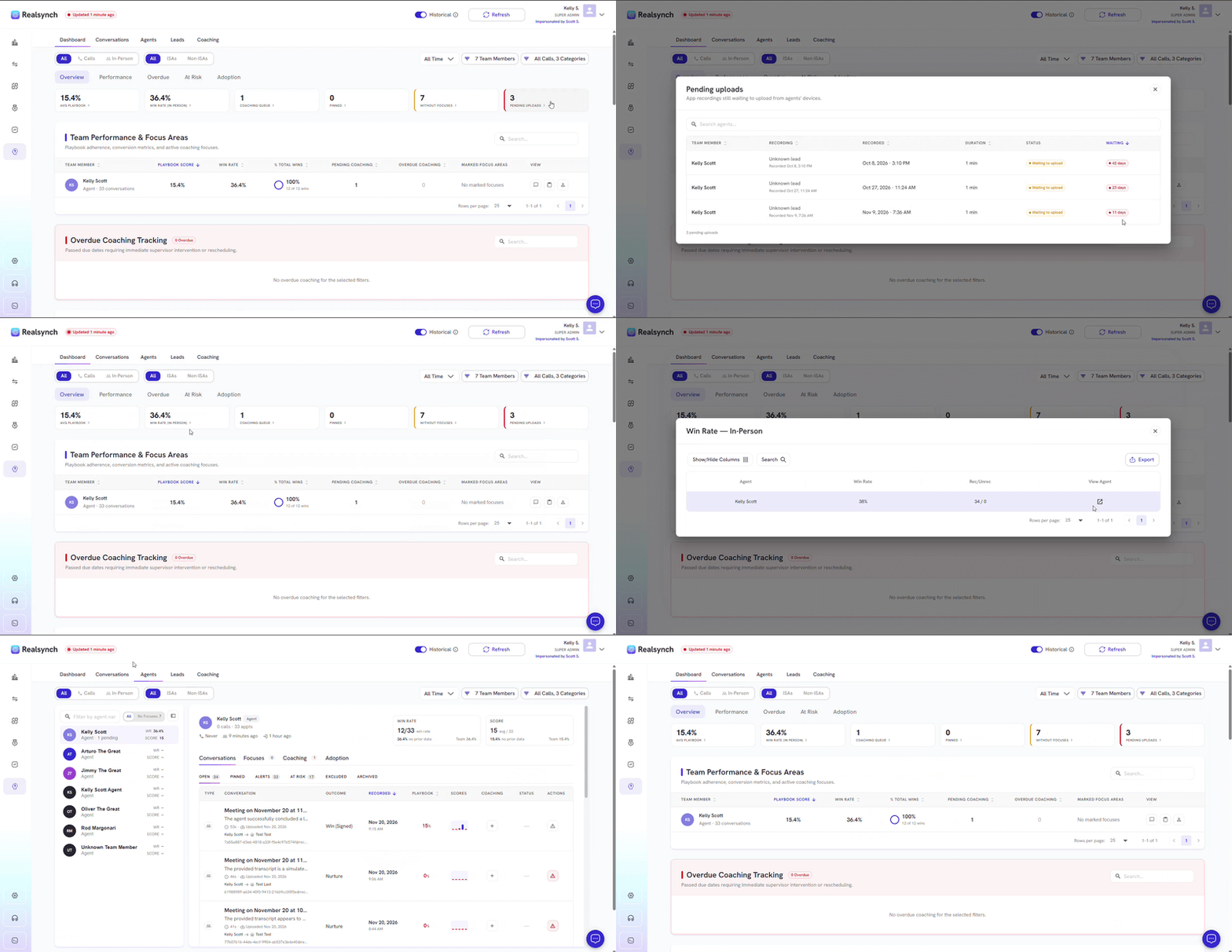
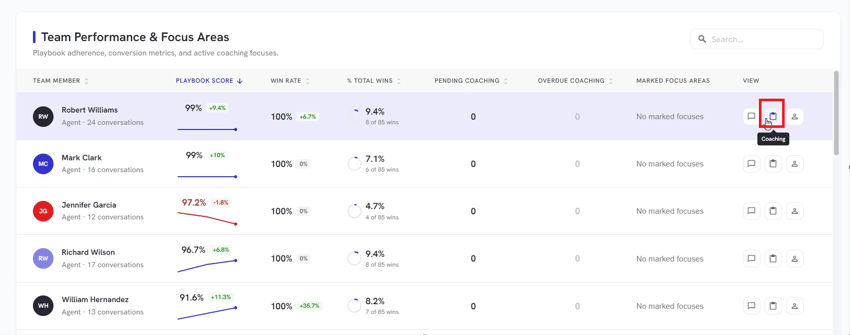
Team Performance & Focus Area
-
Use the Conversations icon to view specific AI insights for an agent.
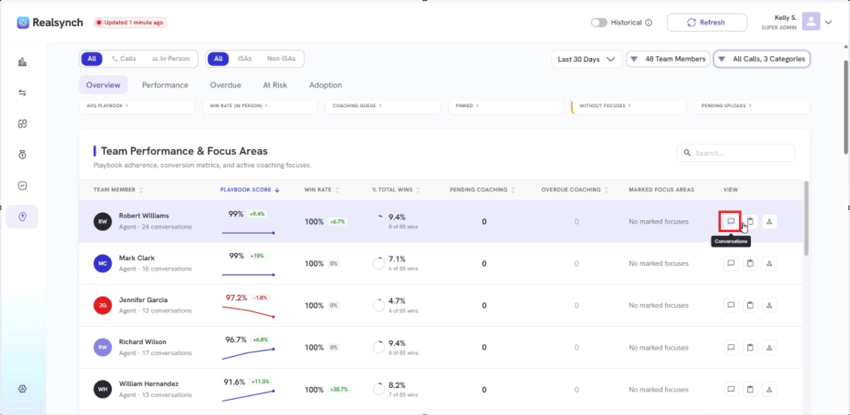
- Use the Coaching icon to review pending or completed coaching sessions.
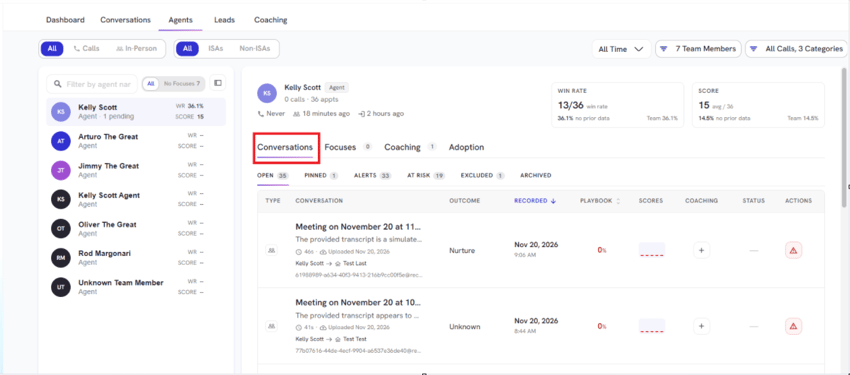
- View AI Insight from a specific Conversation
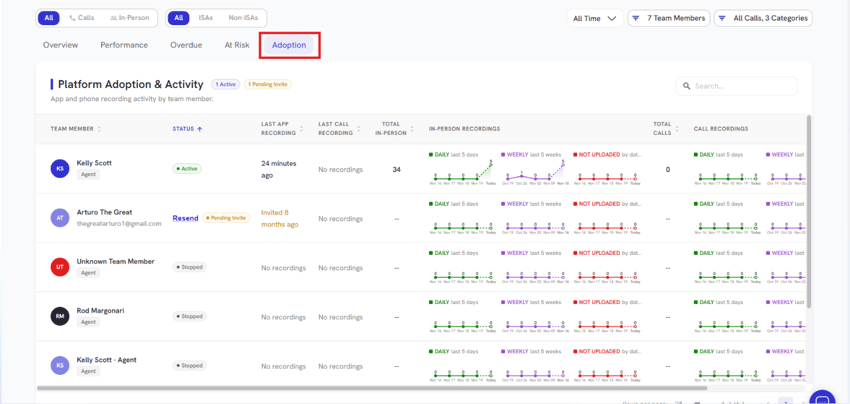
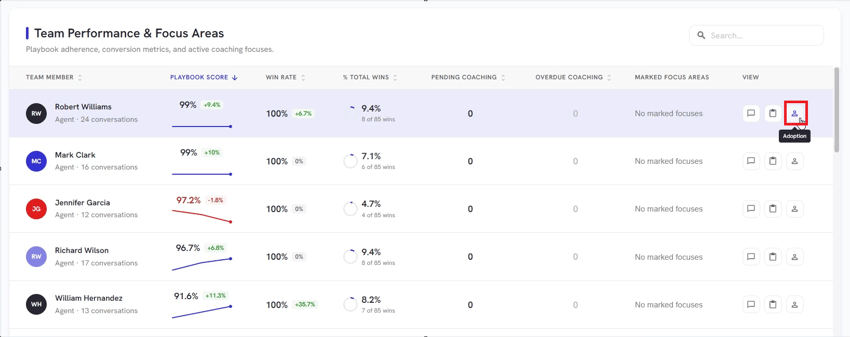
- Use the Adoption icon to monitor app and phone activity.
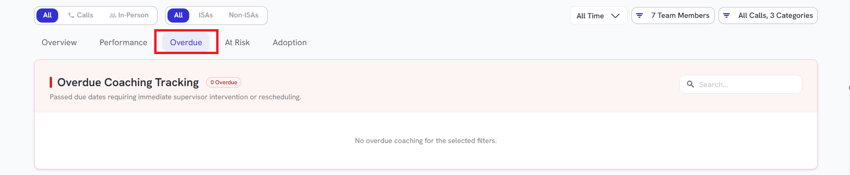
Overdue Coaching Tracking
- View any coaching requests that are overdue
At risk Conversations
- Toggle on and off as at risk for any conversation
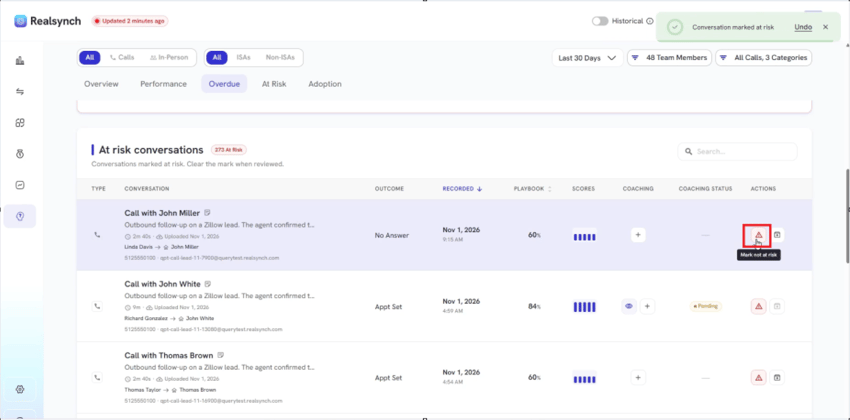
- Toggle Archive for a specific conversation
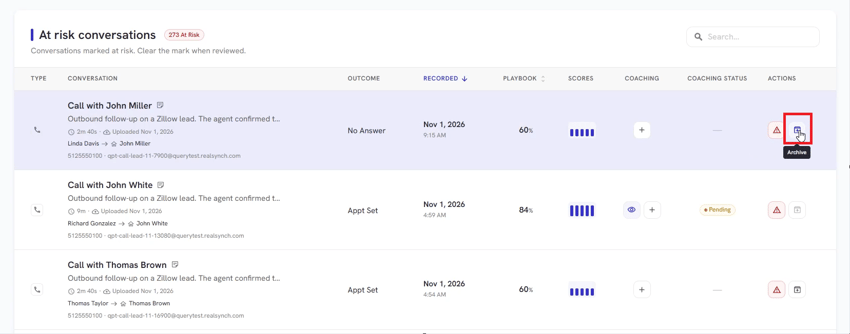
*Archive doesn't get rid of the AI insight at all, it just moves it into a different category where it doesn't show up as at risk anymore.
Platform Adoption & Activity
- View your agent app and phone activity in Adoption section