.png?width=45&name=unnamed%20(4).png)

This integration gives you a full picture of your company’s financial data and your Follow Up Boss performance metrics all in one place.
- Log in to your RealSynch BI account using this link: client.realsynch.com
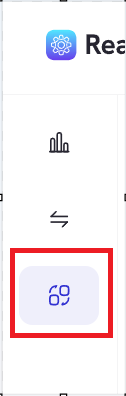
- Navigate to Apps
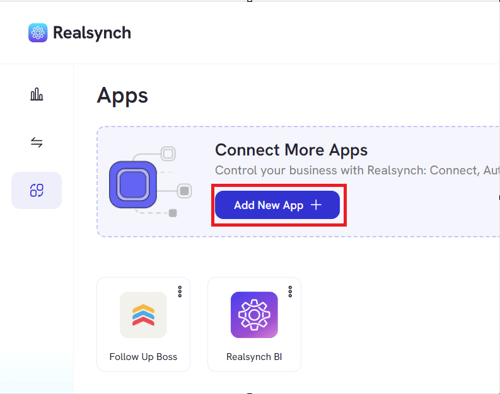
- Click add new apps
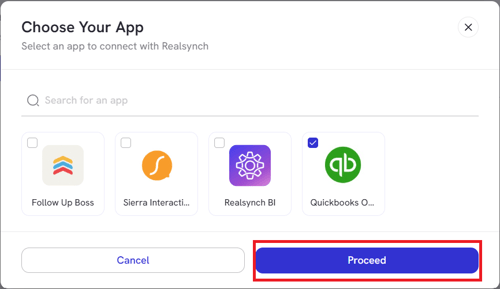
- Choose Quickbooks Online then hit proceed
- Click Connect
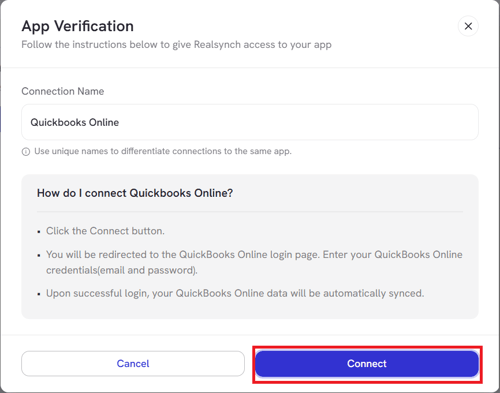
- Sign in using your QuickBooks Online credentials
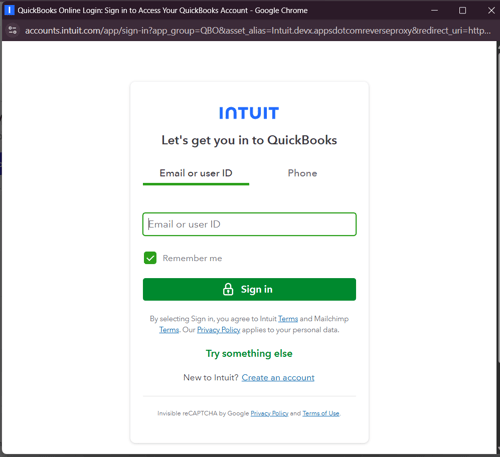
- Another option to connect Quickbooks online is to go to Company Financials tab and click Connect Quickbooks
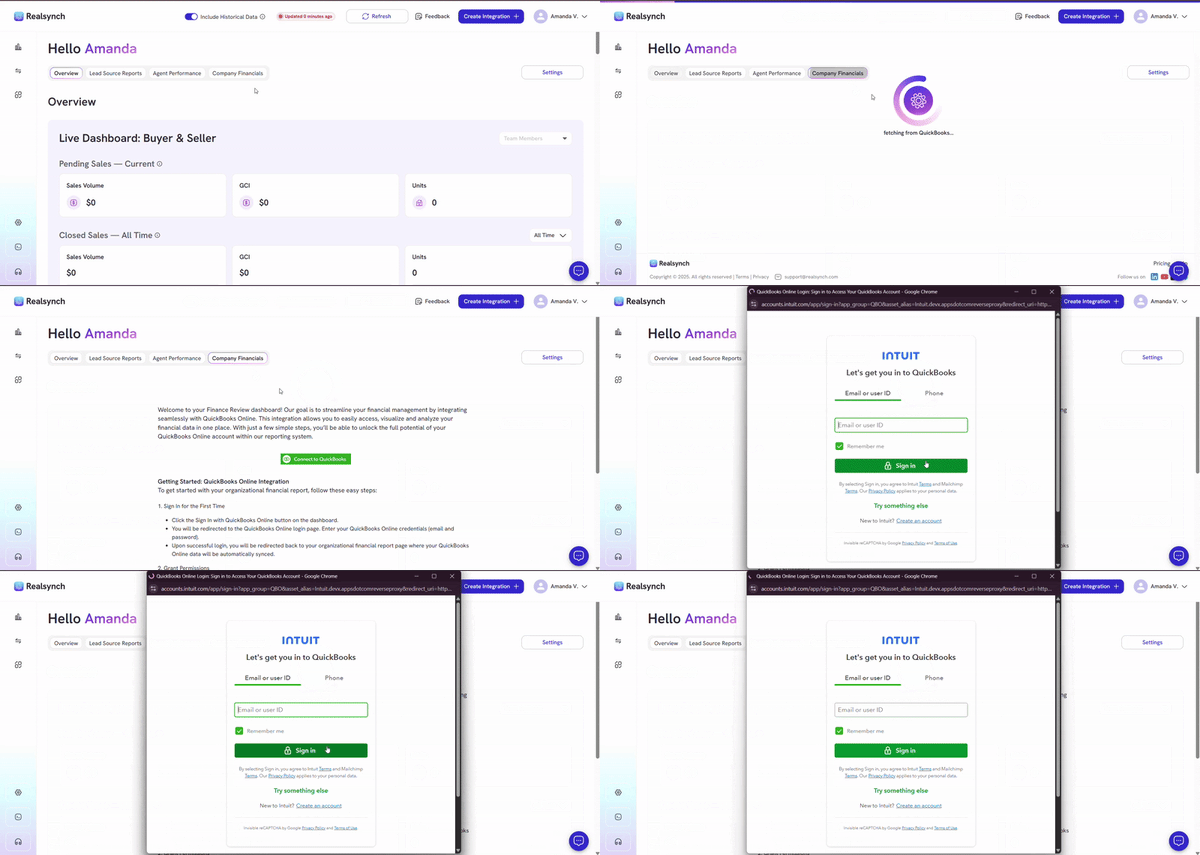
- After authorization process, go to Dashboard tab

- Check your QuickBooks financial data under your Company Financials tab.