
The Activity Page reveals the effort behind the results. It measures how much engagement and communication each agent is putting into their pipeline
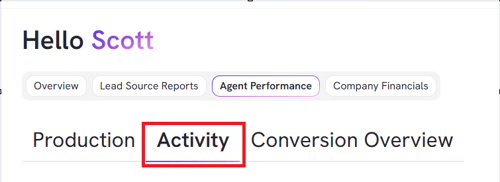
- From BI tool dashboard, click Agent Performance

- From there, Click on Activity
- Key Metrics Tracked:
- Inbound & Outbound Calls
- Calls
- Contacts
- Conversations
- Appts Set
- Appts Met
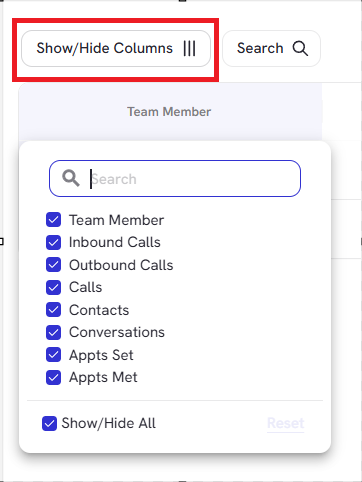
- Click on Columns to filter which columns you want to hide or show on Production
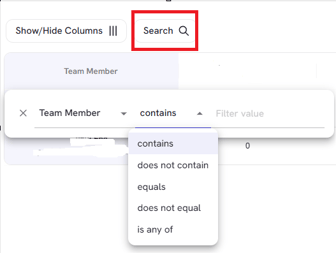
- Use Search button to narrow down data with chosen filter or value:
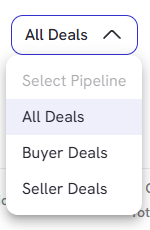
- Check on Deals to filter All, Buyer or Seller Deals
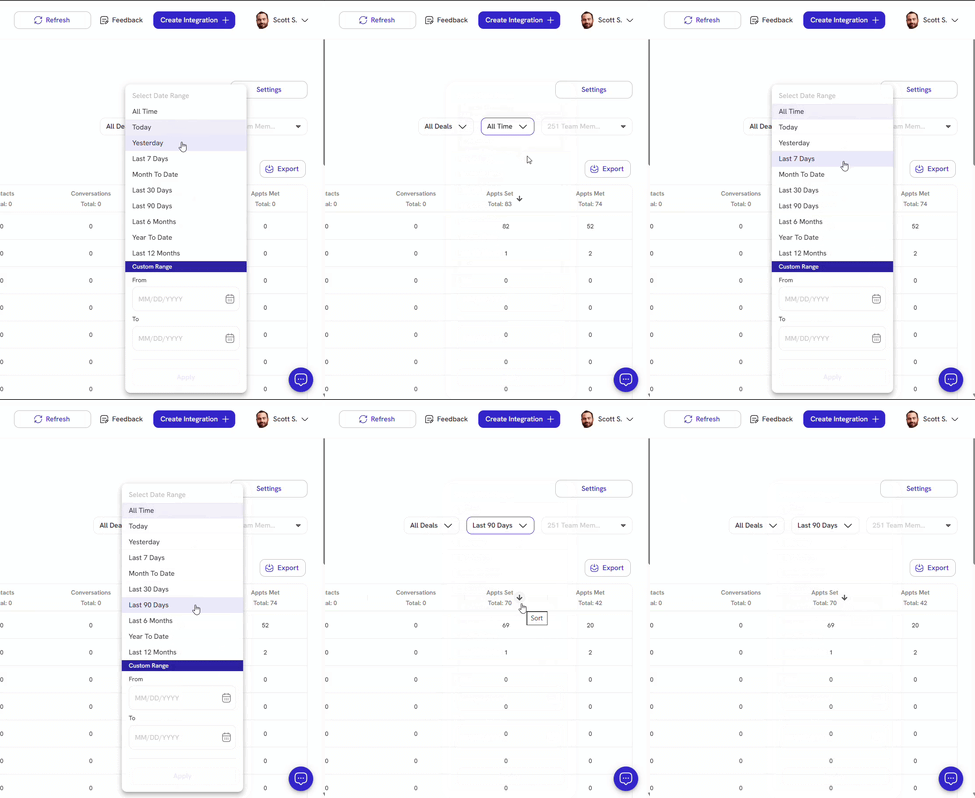
- Filter timeframe dropdown based and select any custom date range
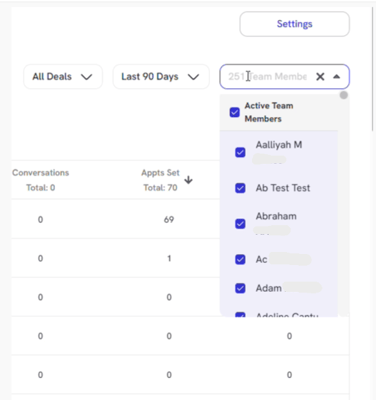
- Use Team Member dropdown to filter down agents data you want to look at under Activity
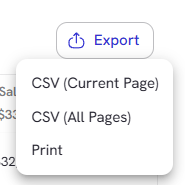
- Click export button to download current page or all pages of your report in CSV format
Users can now differentiate Inbound vs. Outbound activity, giving a sharper view of team performance and ensuring coaching is focused where it counts most