
.png?width=45&name=unnamed%20(4).png)

Learn how to configure AI Insight Email settings in RealSynch to automatically trigger call and appointment notifications
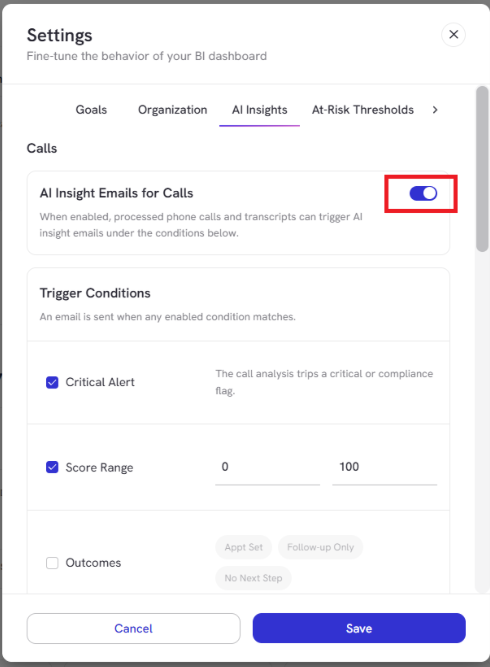
- Using the main toggle switch at the top right, you turn AI Insight Emails for Calls on or off
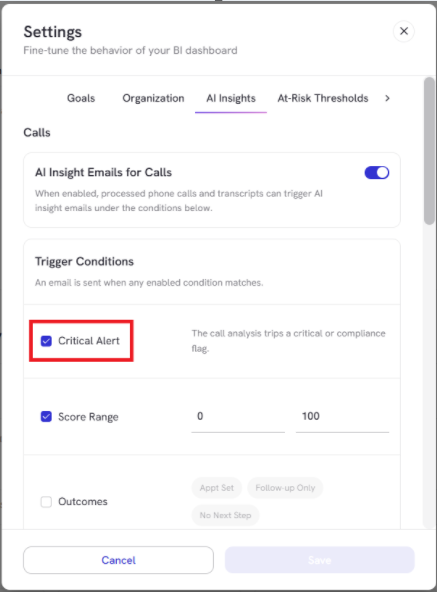
- Check Critical Alert to send an immediate email whenever call analysis detects a compliance flag or critical issue
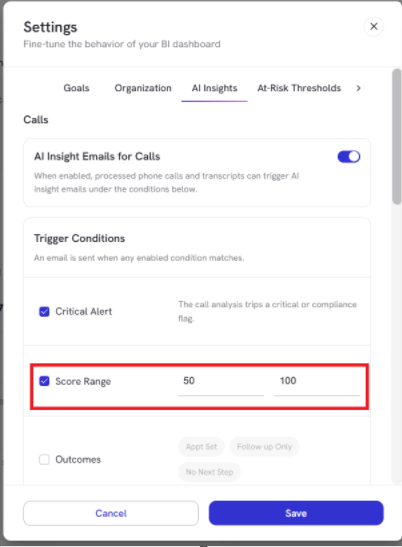
- Set a score range to receive alerts only for calls within specific score thresholds
- Filter triggers based on call outcomes
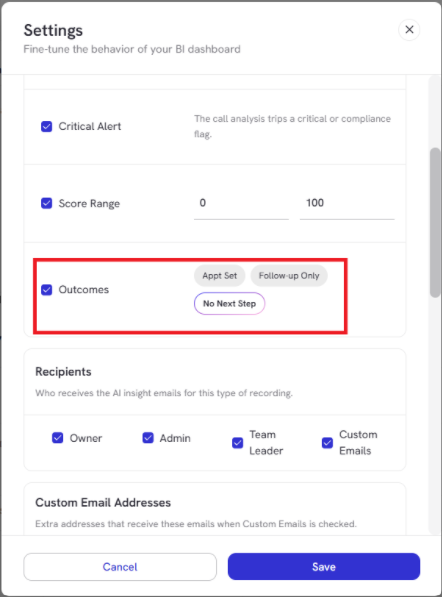
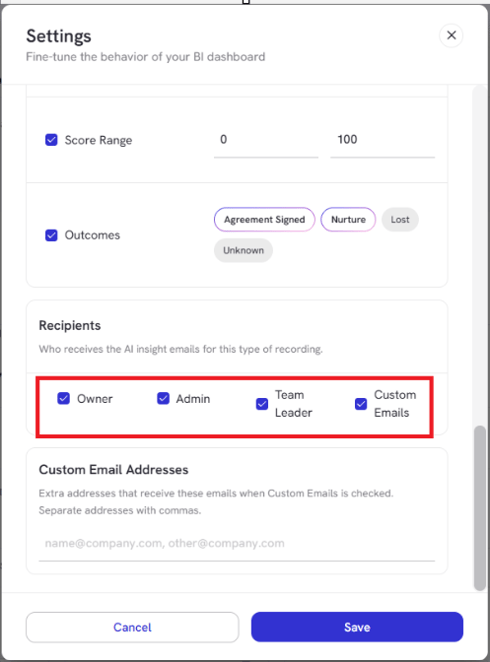
- Select role-based recipients to specify who receives notifications
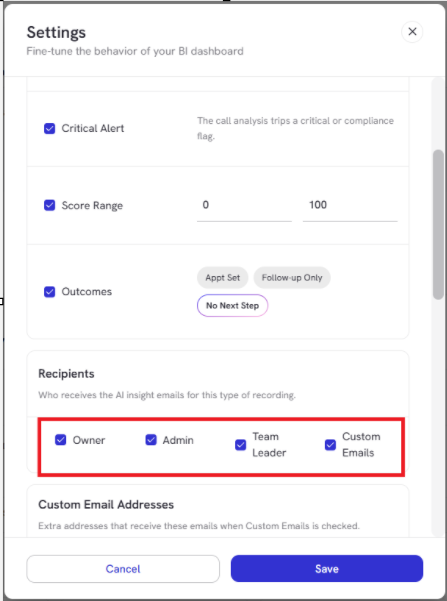
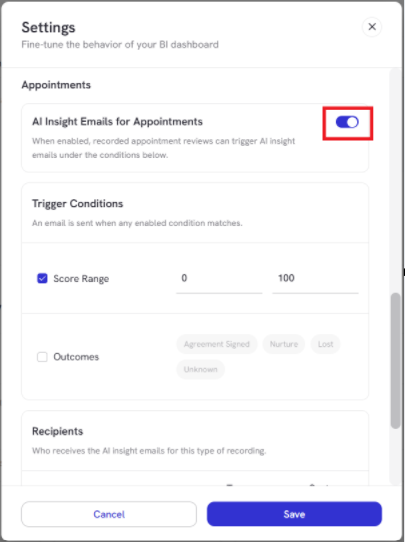
- Toggle to enable AI Insight Emails for Appointments
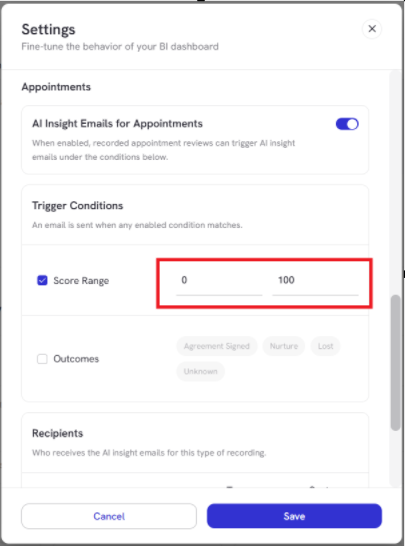
- Set a Score Range
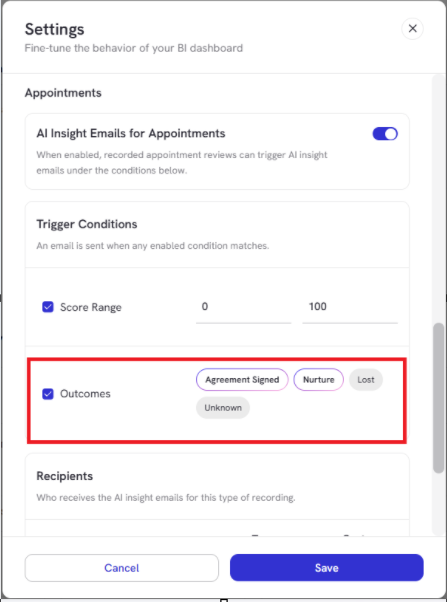
- Set a trigger based on appointment outcomes
- Configure role-based routing
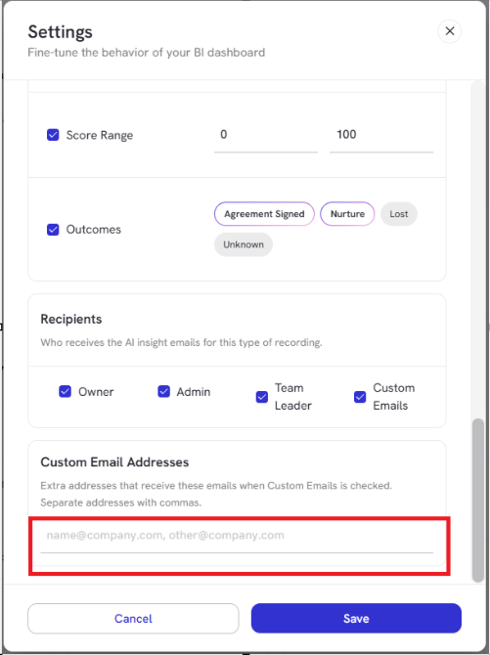
- Enter additional recipient email addresses separated by commas
Click Save to apply changes.