
.png?width=45&name=unnamed%20(4).png)

This section controls high-level system preferences, data processing rules, refresh intervals, and account landing defaults to tailor how the BI dashboard functions across your team
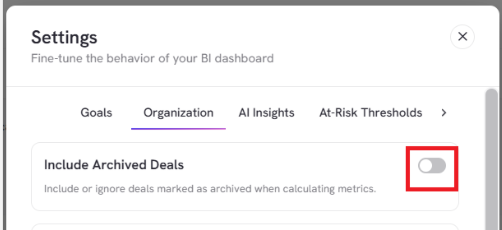
- Toggle Include Archived Deals on or off depending on whether you want deals marked as archived included in or excluded from your dashboard
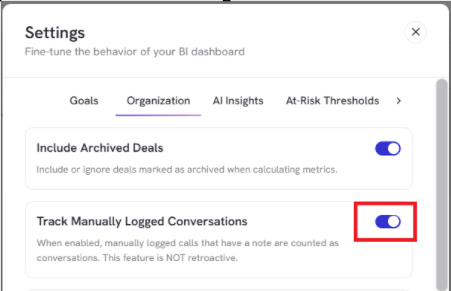
- Toggle on Track Manually Logged Conversations to logged calls that include notes and count tower to overall conversation totals
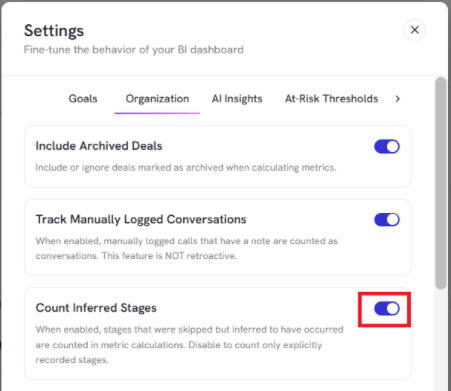
- Enable Count Inferred Stages to ensure pipeline stages that were skipped in your CRM but inferred to have occurred are counted in metric calculations.
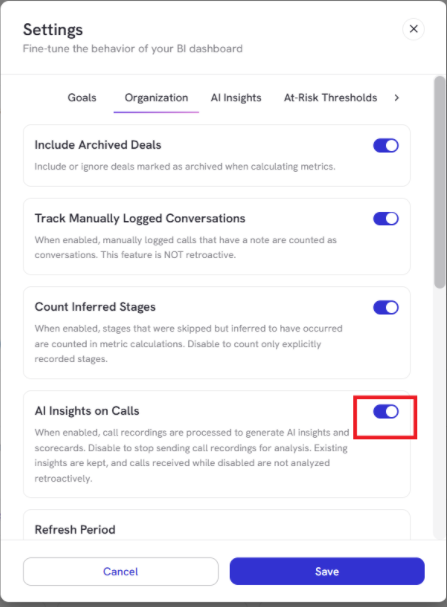
- Toggle on AI Insights on Calls to process call recordings for AI insights and scorecards.
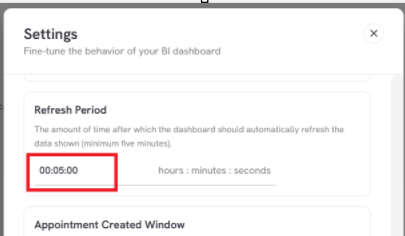
- Update Refresh Period to control how frequently the dashboard automatically refreshes data in the background
- Set Appointment Created Window to estimate the 'met' date for appointments already in that stage when first synced.
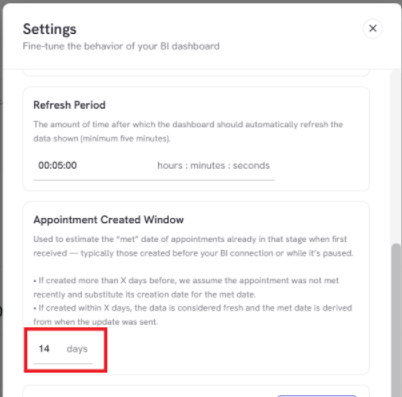
Note: If an appointment was created within 14 days, the data is treated as fresh; if created earlier, it substitutes the creation date
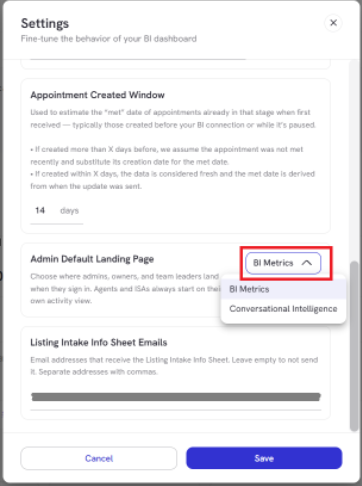
- Choose between BI Metrics or Conversational Intelligence to set the primary start view when team is signing in
- Input specific recipient email addresses (separated by commas) to automatically receive completed Listing Intake Info Sheets.
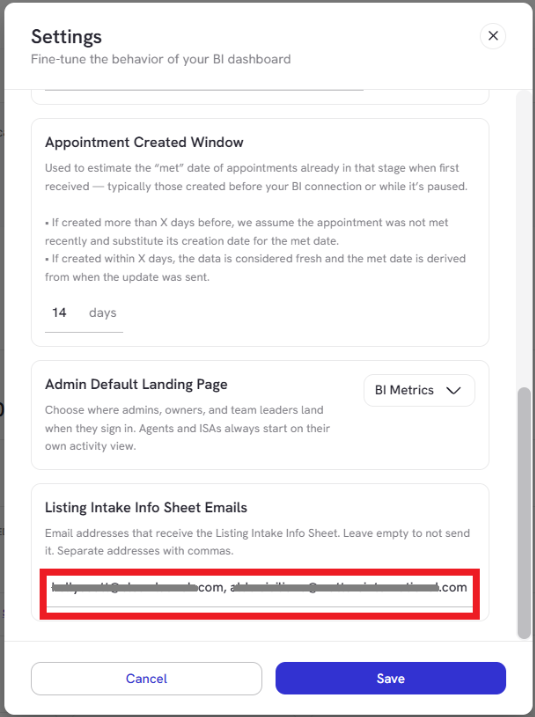
Once your organizational preferences are configured, click Save at the bottom right to apply these settings across the platform.