.png?width=45&name=unnamed%20(4).png)

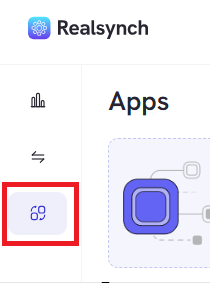
- Access App Connections via the left-hand side icons
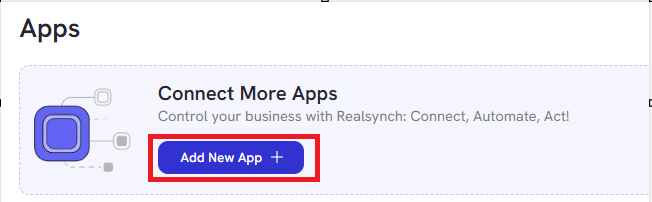
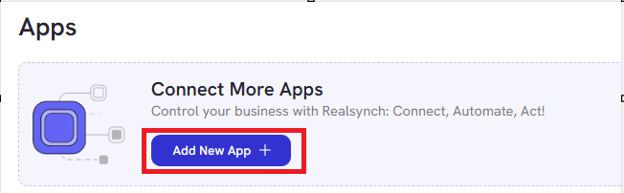
- Select Add New App to connect an app to the dashboard:
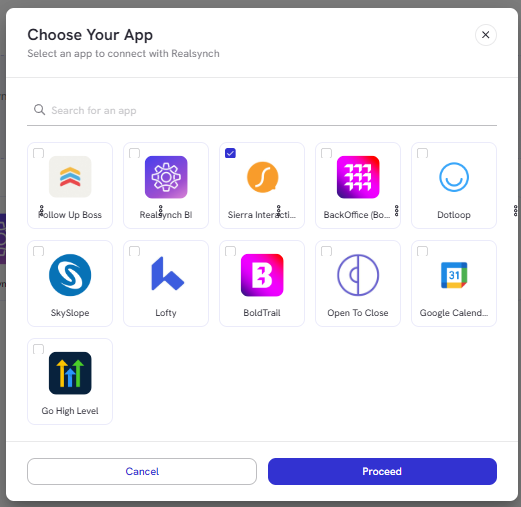
- Choose the App you would like to connect, then click Proceed:
- Verify your account by following the instructions
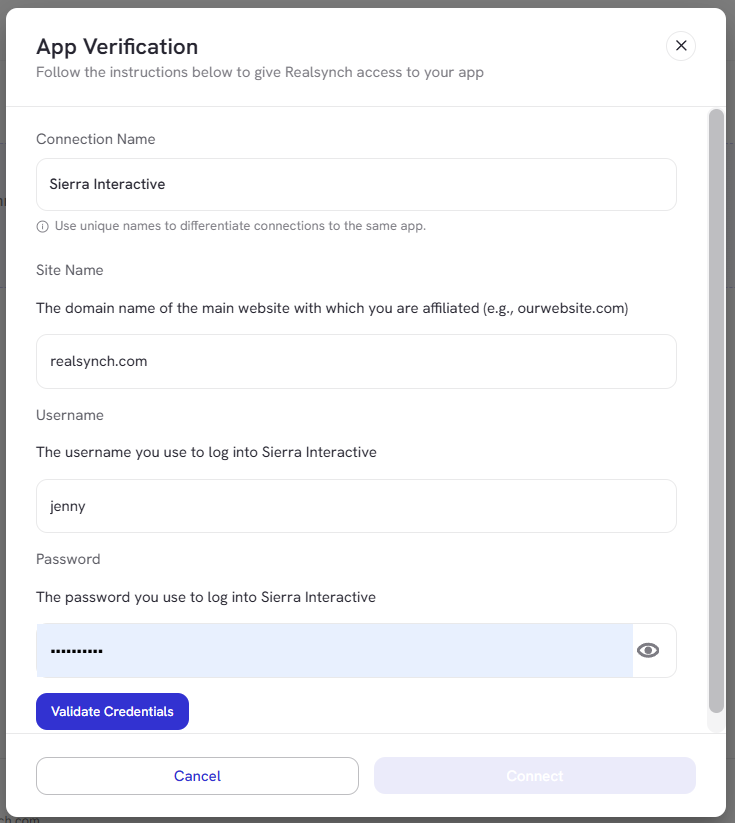
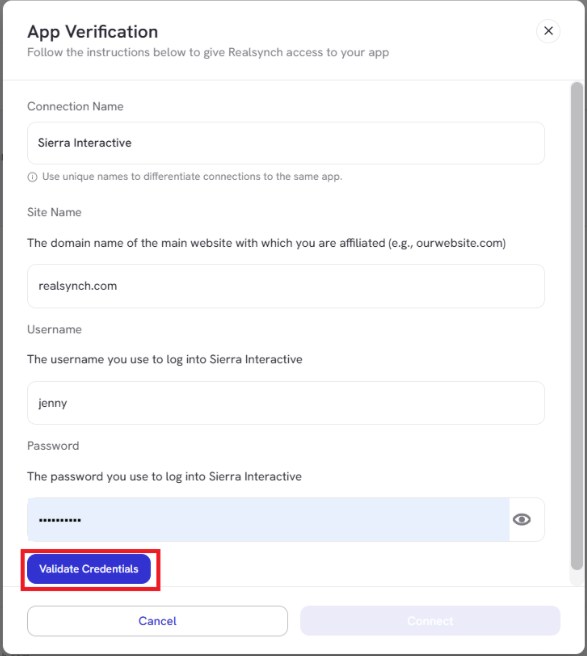
- Once the information has been added, click Validate Credentials:
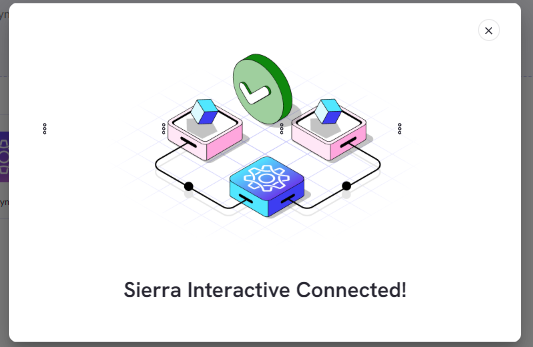
- As soon as the credentials are validated, your app shall be connected:
- If RealSynch BI is not yet connected, select Add New App to proceed.
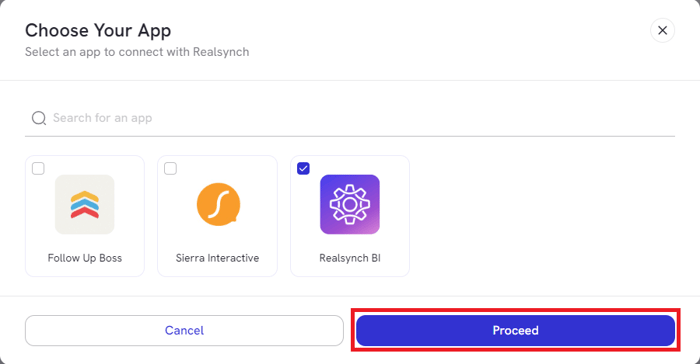
- Select RealSynch BI, then click Proceed:
- Click Connect:
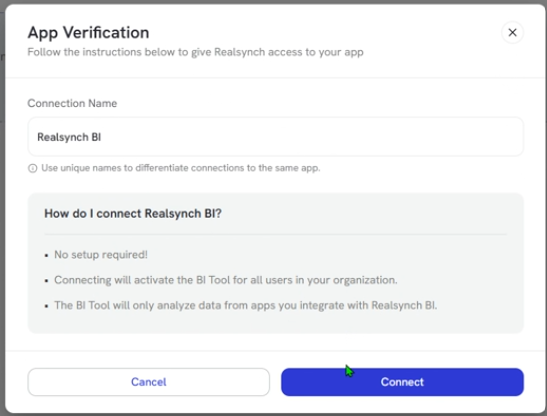
Please Note: the RealSynch BI App does not require any setup! Just click Connect and you’re ready to connect via integration.
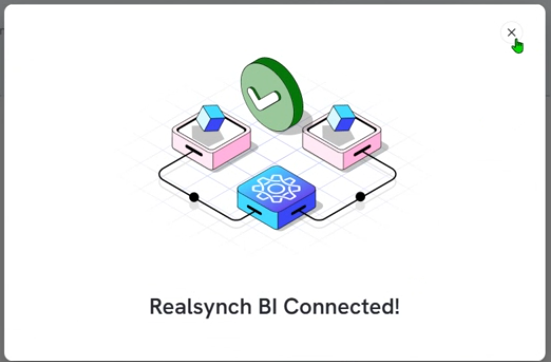
- The RealSynch BI has now been connected!