.png?width=45&name=unnamed%20(4).png)

A slideshow rotates between multiple leaderboards automatically, great for displaying on a TV screen in your office.
- Go to Custom Leaderboard section

- Click create Slideshow:
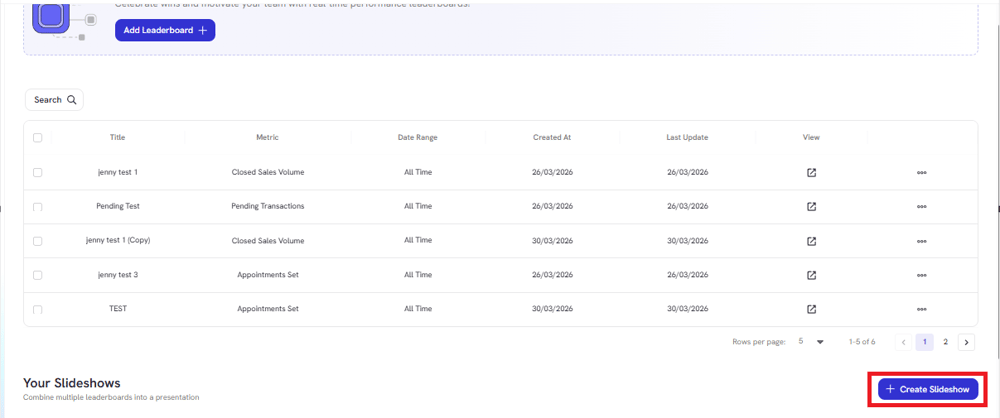 .
.
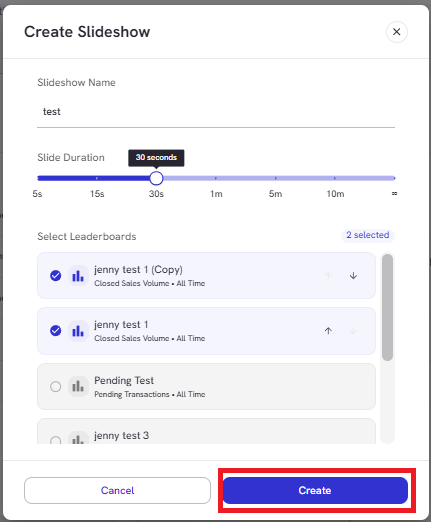
- Enter Slideshow Name:
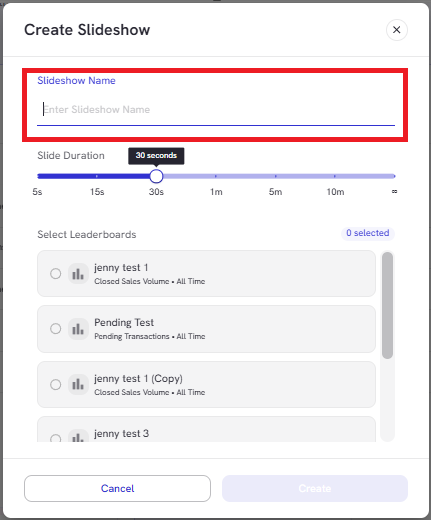
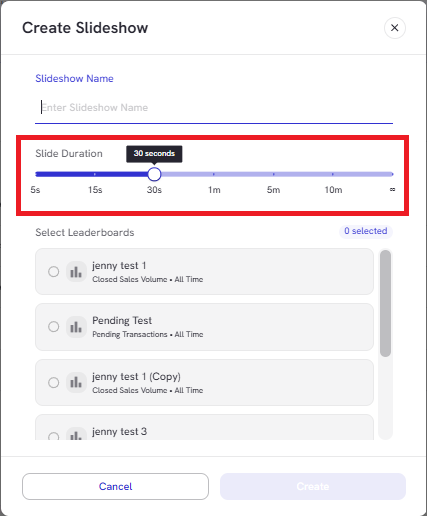
- Set how long each leaderboard stays on screen
- Select which leaderboards to include in the slideshow:
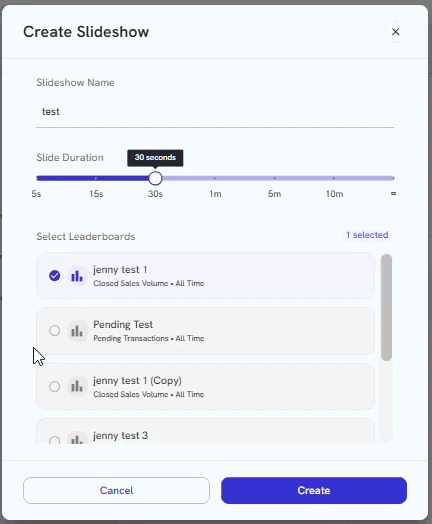
Use the arrows to change the order in which they appear
- Click Create to save the slideshow:
- Find the slideshow you want to display then click Play button to start the slideshow:
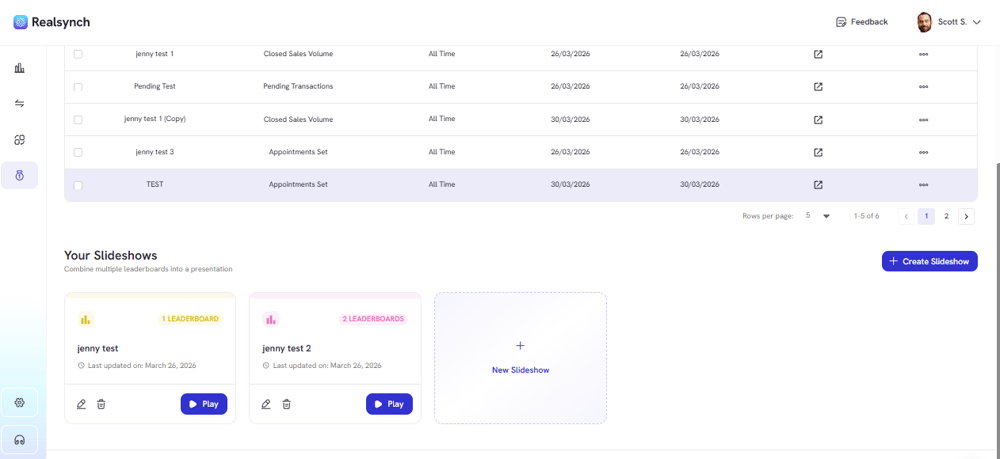
*The leaderboards will rotate automatically based on the slide duration you set