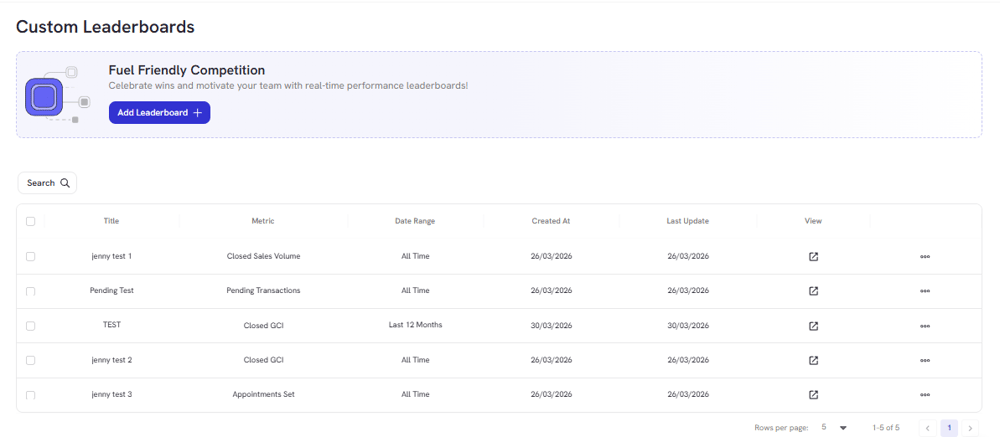
.png?width=45&name=unnamed%20(4).png)

The Custom Leaderboards feature lets you build, manage, and display personalized leaderboards for your team. You can track any metric that matters to your goals, set up slideshows to rotate between leaderboards, and keep your agents motivated and focused.
- Access the Leaderboard Section
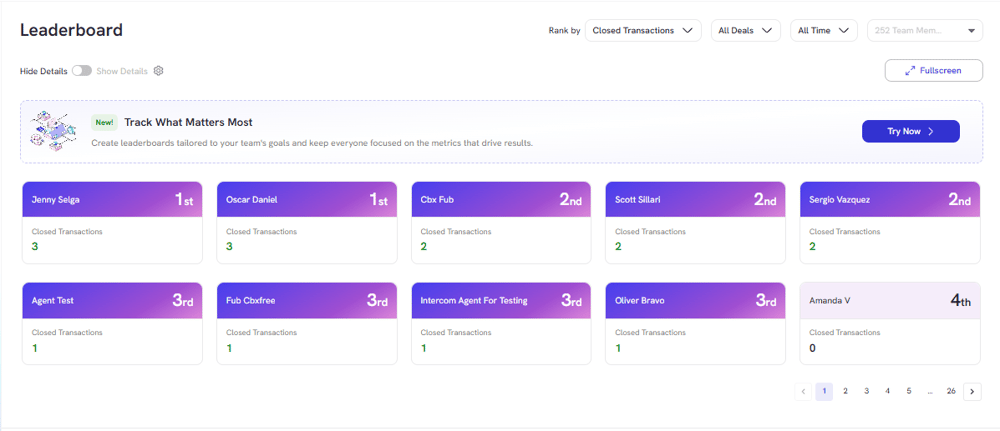
- Click on the callout: “Track what matters most - Try Now”

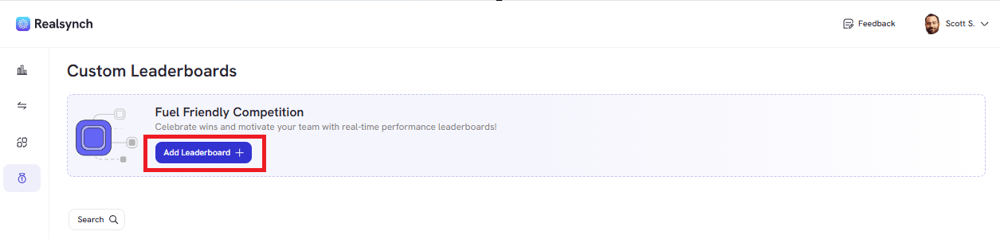
- Add Leaderboard
- Add your Leaderboard Title
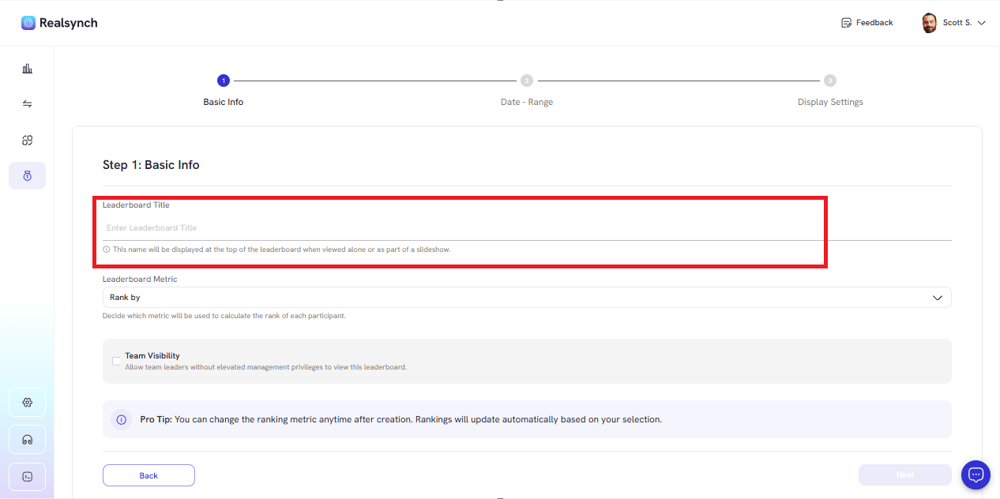
- Click Rank By dropdown and choose a metric you want to track
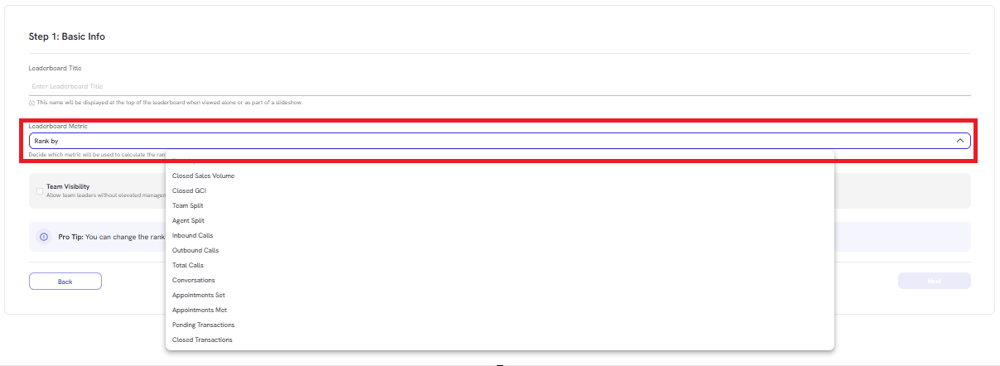
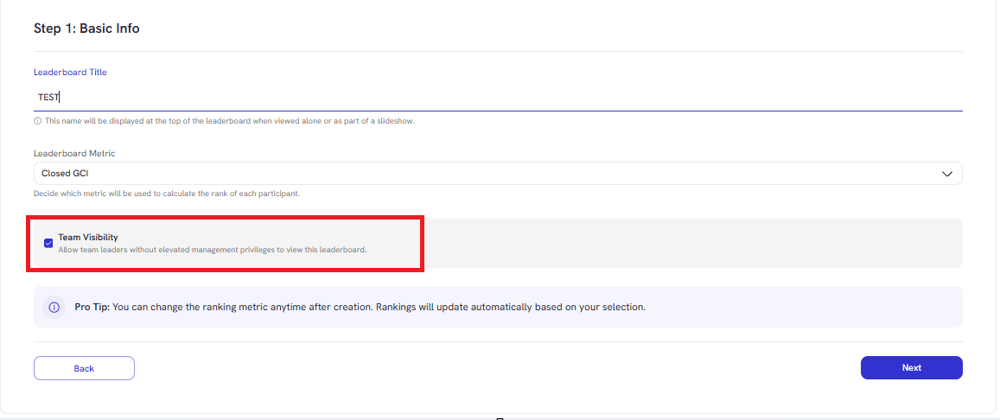
- Toggle on Team Visibility if you want the leaderboard to be visible to your team; off if you only want Admin and Owner to see it.
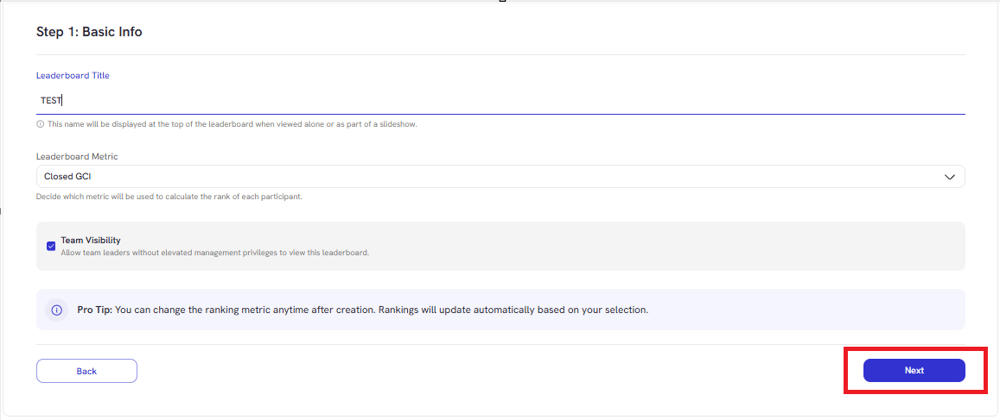
- Click Next:
- Choose Date Range
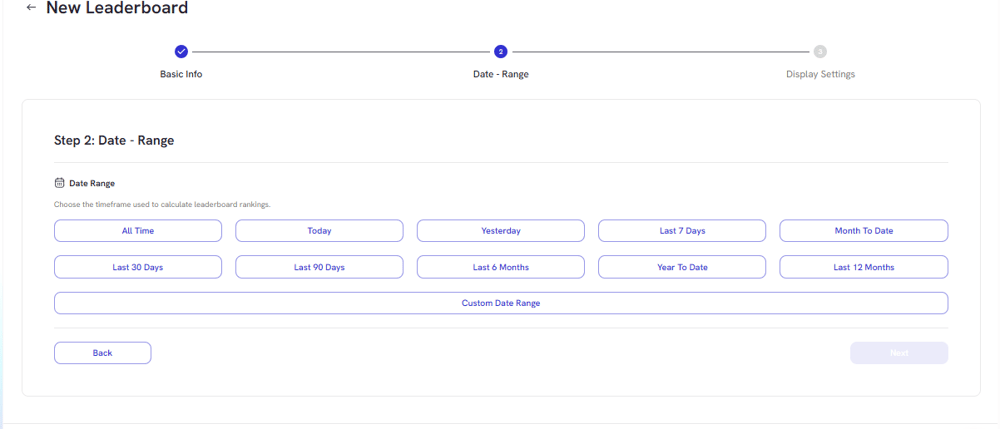
*When choosing a custom date range, click directly on the calendar to pick your dates, then click Apply to confirm.
- Click Next:
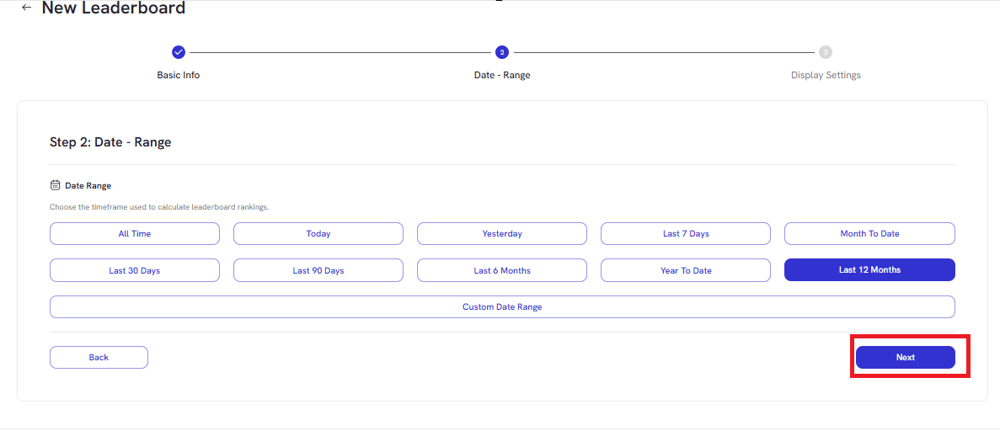
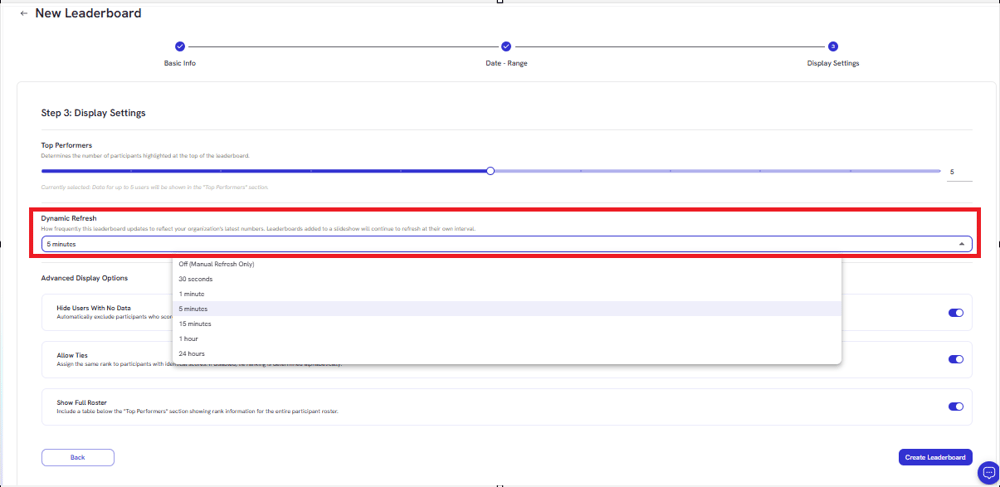
- Choose how many top agents to display

- Set the refresh interval
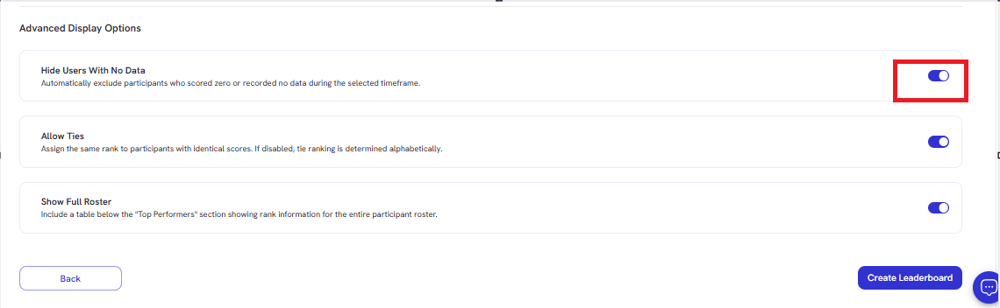
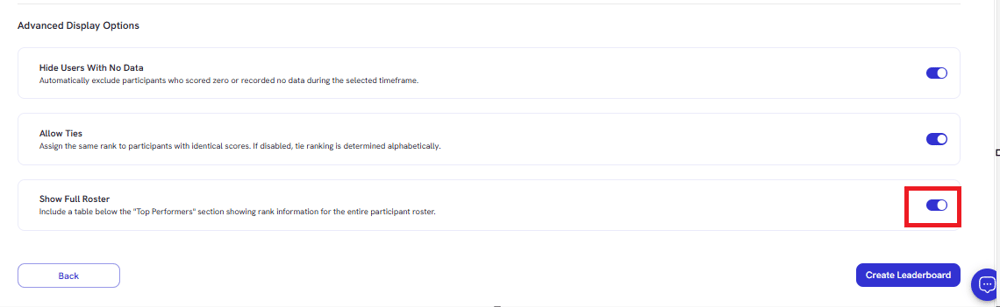
- Toggle on to Hide users with no data
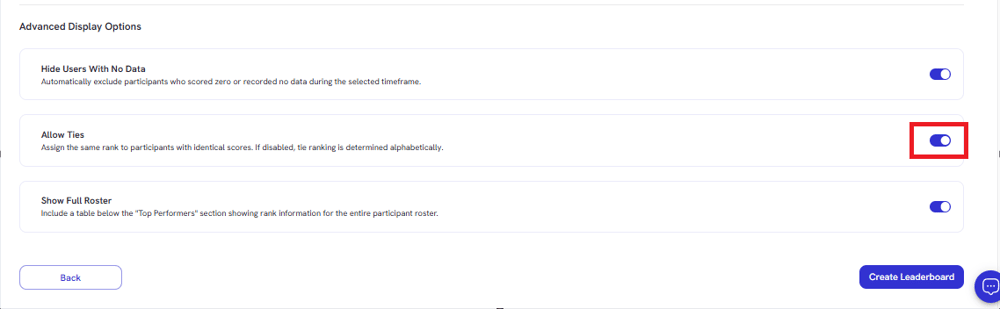
- Toggle on to allow agents with the same score ranked alphabetically; or off and they system will rank agents strictly by their numbers.
- Toggle on if you want to include a table of Top Performer table showing rank information
- Review your settings and click Create Leaderboard
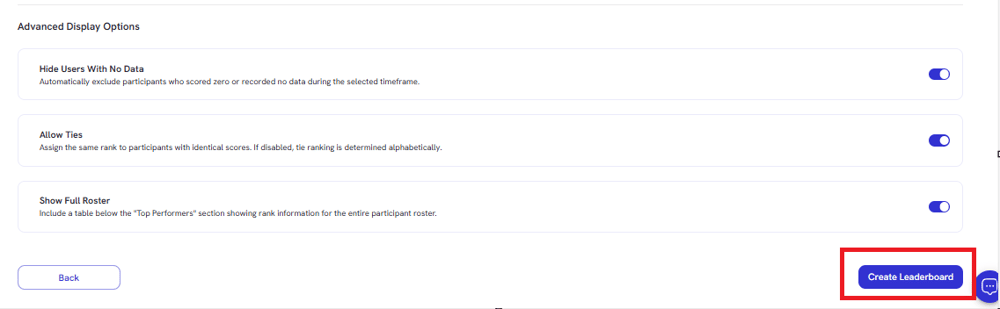
• Your new leaderboard will now appear in your leaderboard list.