.png?width=45&name=unnamed%20(4).png)

To connect RealSynch to Sierra Interactive to RealSynch BI, follow these step-by-step instructions:
- There are two ways to begin creating your integrations:
Select the Integrations option on the Left hand Menu:
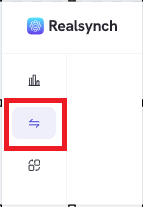
Or, the Create Integration button in the upper right:

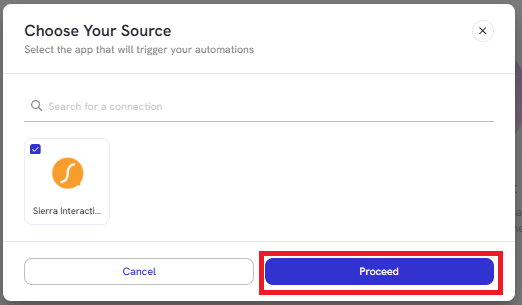
- Select Source:

- Choose Sierra Interactive then hit proceed.
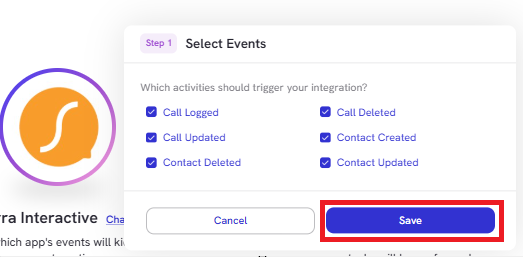
- Next, select your Source triggers (all options are enabled by default) and click Save:
- Once saved, you will move to the Target side of the Integration. Select your target and click Proceed:
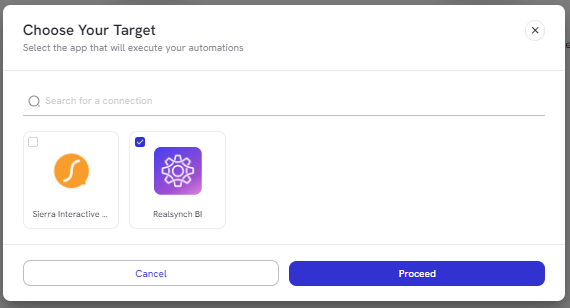
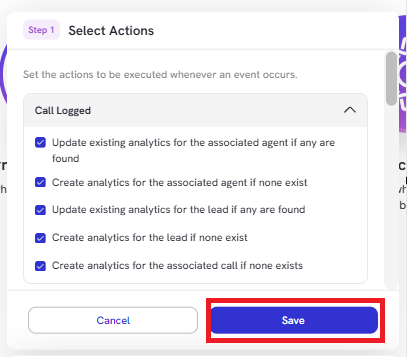
- Next, select the actions you would like performed for each Trigger that was selected on the Source side (all options are enabled by default). Click Save:
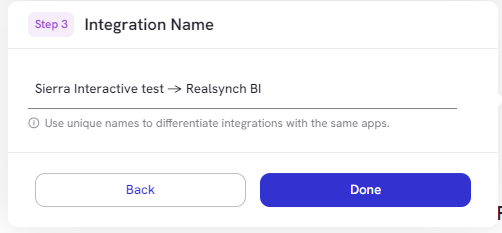
- Name the Integration and click Done:
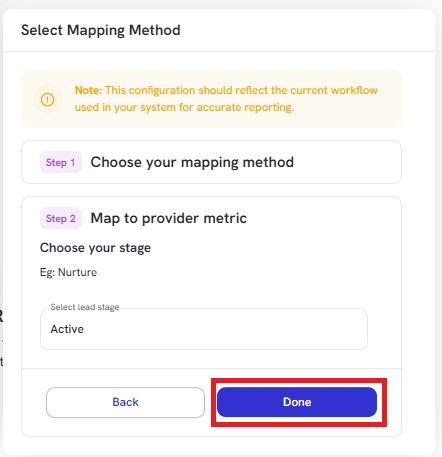
- Select your mapping method for each metric:
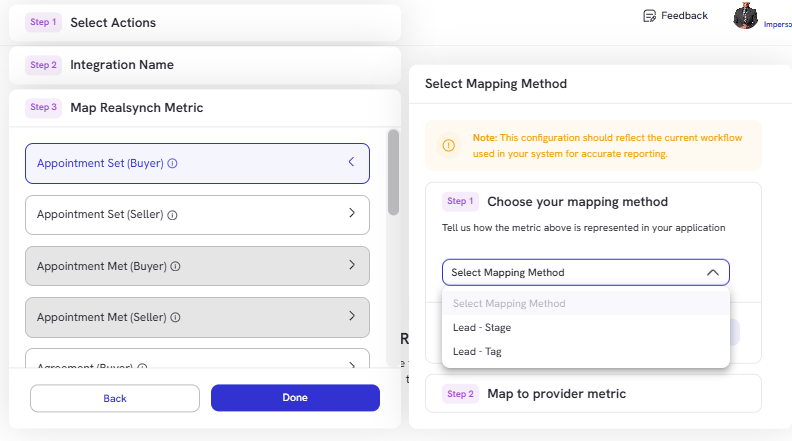
- Click Done once you have chosen your selected mapping method:
- Complete the mapping process and click Done:
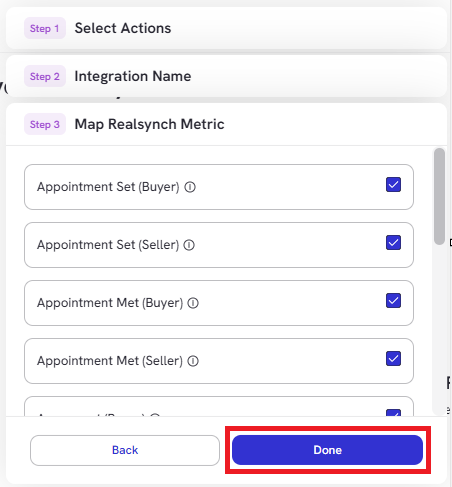
*Note: all options must be mapped to proceed and publish the integration
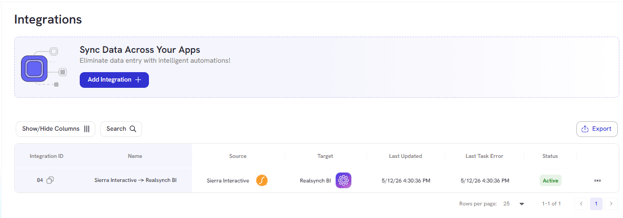
Your Integration is now Active and ready to use!
-
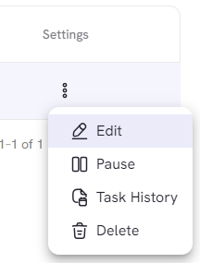
You can find your integration on your dashboard, and the integration can be updated using the Settings Option by clicking the Ellipsis > Edit: