.png?width=45&name=unnamed%20(4).png)

This section will help you track call activity across your team. Every inbound or outbound call is categorized so you can measure engagement, talk time, and consistency
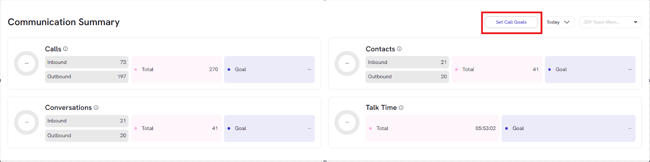
- Set Call Goals by clicking the button at the top right of the Communication Summary section
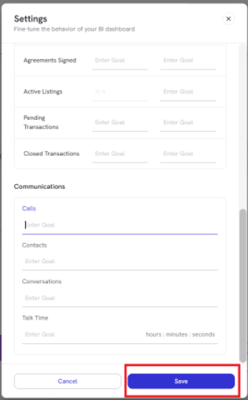
- Set monthly goals then hit Save
Once set, each goal appears beside its metric, allowing you to track progress in real time.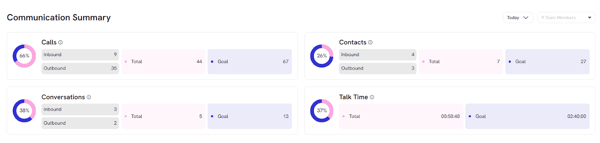
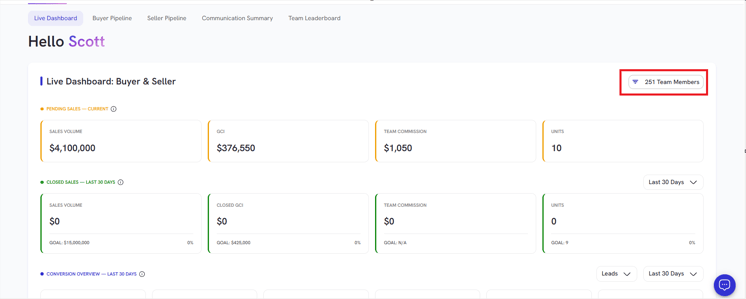
- Team Member Filter
- show Active, Inactive, or a specific agent by name to isolate performance data
-
Metrics:
|
Type |
Description |
|
Calls |
Total number of inbound and outbound calls, includes every dial attempt |
|
Contacts |
Calls lasting 1 minute or longer (duration is customizable). |
|
Conversations |
Extended calls exceeding your configured duration threshold. |
|
Manual Call Logging |
Agents can manually log calls (enabled in Settings > Organization). |
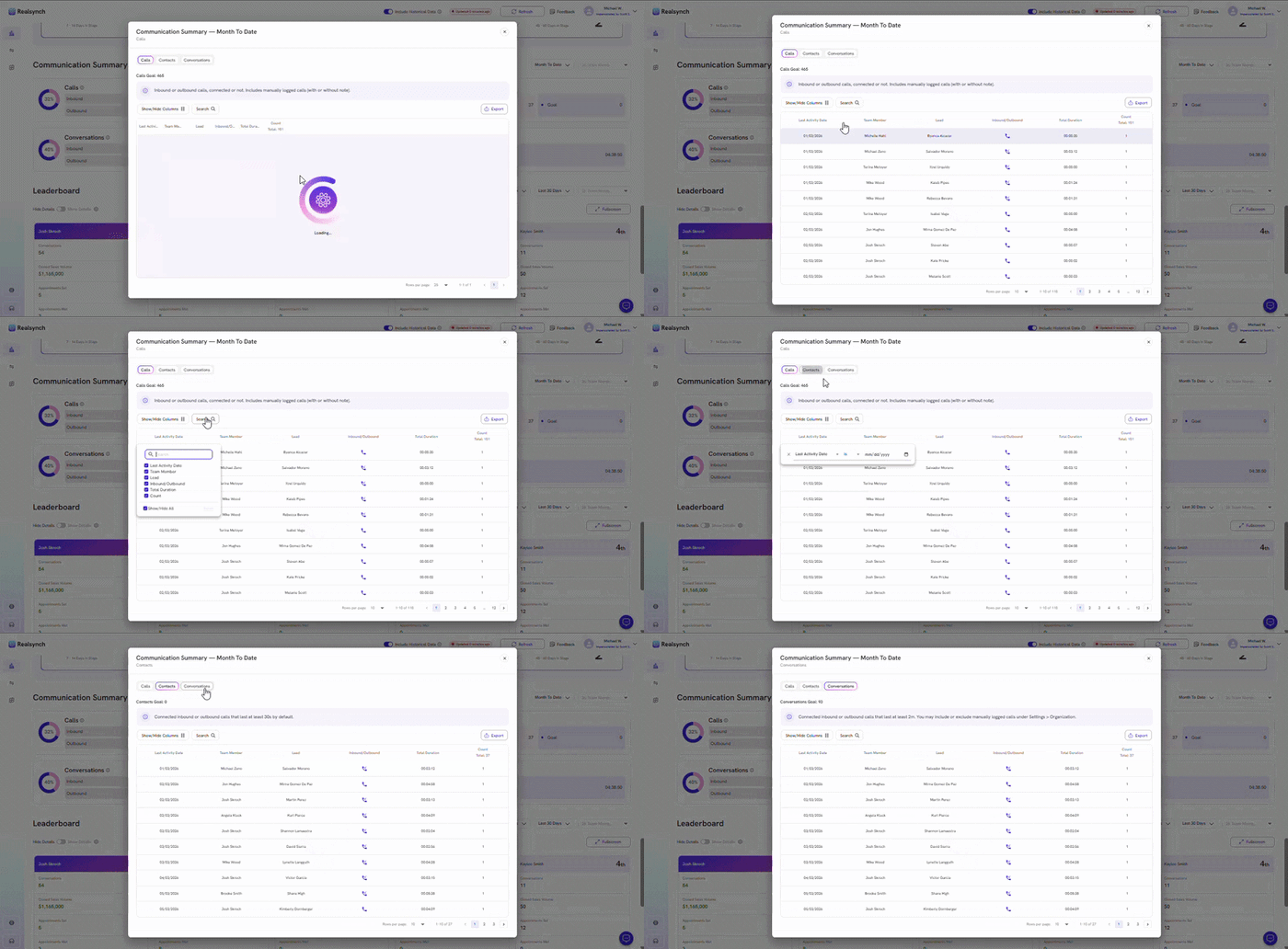
- Click into number of calls to see drilldown for more granular view