.png?width=45&name=unnamed%20(4).png)

The RealSynch Business Intelligence Dashboard consolidates your data into easy-to-read widgets, giving you visibility into calls, deals, and conversions. Learn how each widget helps you monitor key performance indicators and improve your team’s efficiency.
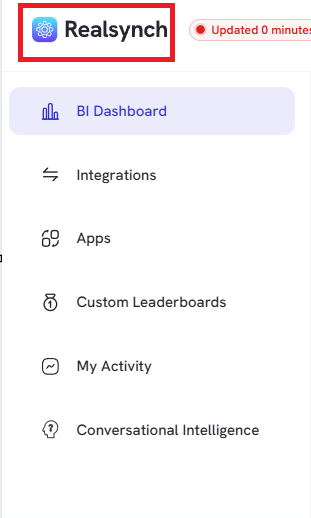
- Click the RealSynch logo at the top left to view the menu tab:
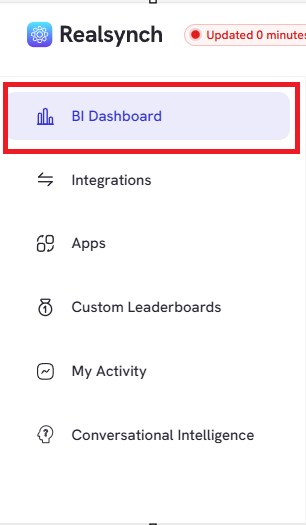
- View BI Dashboard to access Lead Conversion Timeline, Transaction Pipeline and Leaderboard
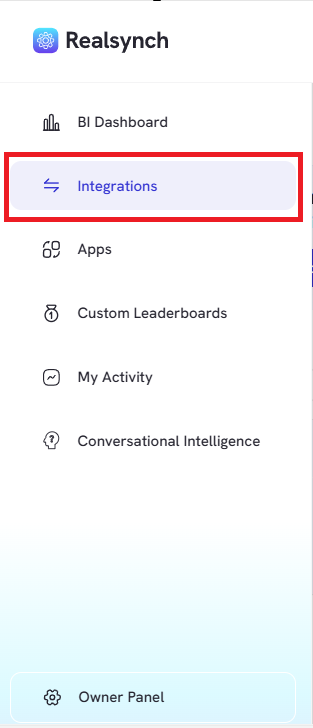
- View or Create Integrations to manage or configure data integrations between different platforms
- View Apps to access various applications available in Real Synch Business Intelligence.
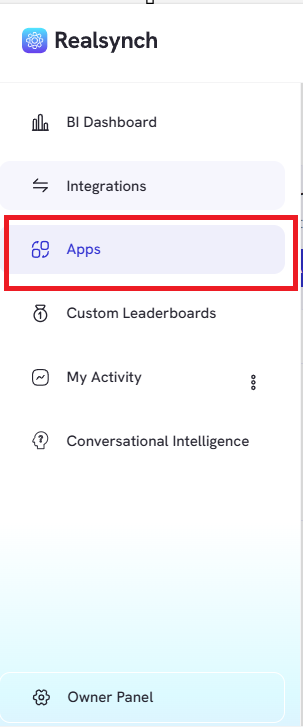
-
Create Custom Leaderboards for team meetings
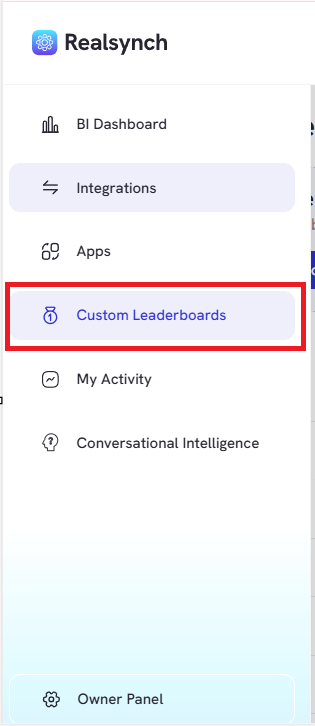
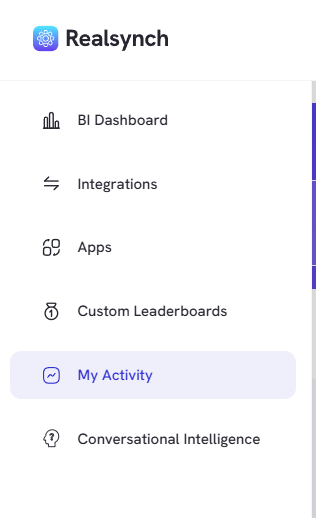
- View My Activity to access your own in-person appointments recorded, uploaded and graded by our AI Insights
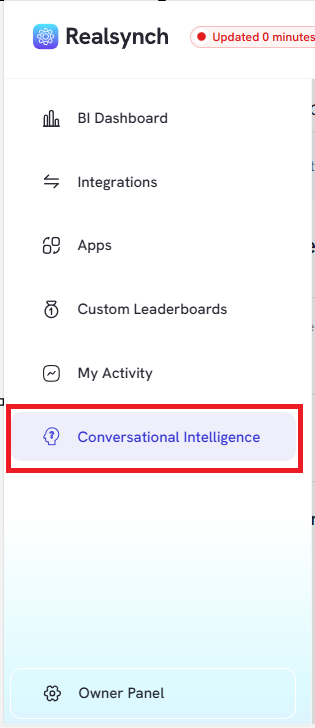
- View Conversational Intelligence to check your team’s in person meetings performance. Please take note that this feature is only available for owner, admin and team leader role access.
- Manage RealSynch Users and Synced Team Members on Owner Panel button
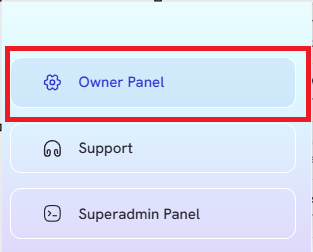
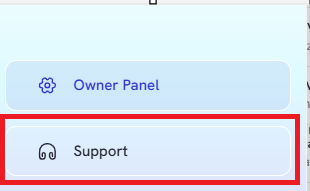
- Access Support for any feedback or questions at the bottom corners