.png?width=45&name=unnamed%20(4).png)

The Leaderboard showcases top performers and lets you compare agents by key metrics. It’s the quickest way to recognize achievements, identify trends, and motivate your team.
- Open the Appearance setting to decide exactly which metrics appear on your leaderboard
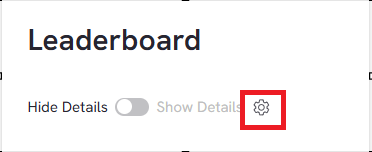
- Use the Hide/Show details toggle to switch between Condensed view and detailed view

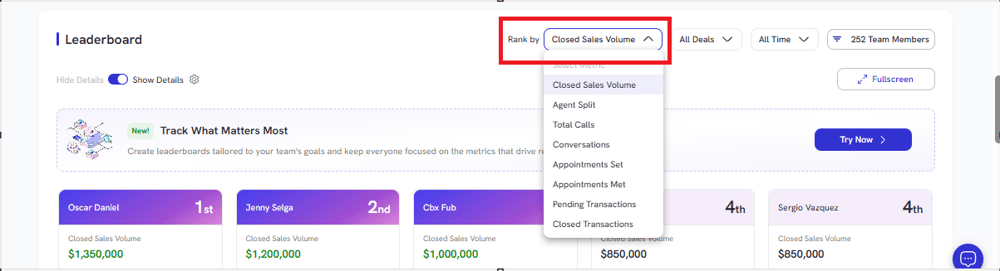
- Click Rank By filter to choose which metric drives the leaderboard order
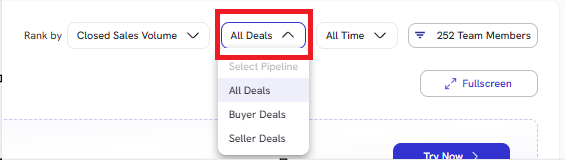
- Click Deal Type dropdown to switch between All Deals, Buyer Deals, or Seller Deals.
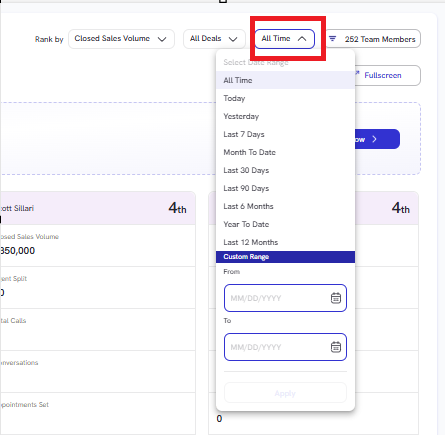
- Choose timeframe for custom time range to adjust desired reporting
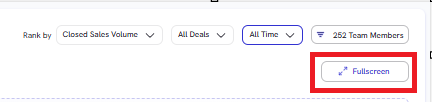
- Click Full Screen to expand the leaderboard for presentations or easier side-by-side review during meetings.
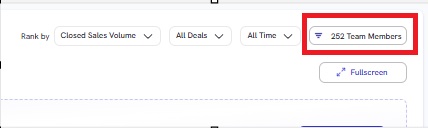
- Click Team Member Filter to show you show Active, Inactive, or a specific agent by name to isolate performance data