.png?width=45&name=unnamed%20(4).png)

The Customization Settings in RealSynch BI lets you align your dashboards with how your team actually works inside Follow Up Boss (FUB)
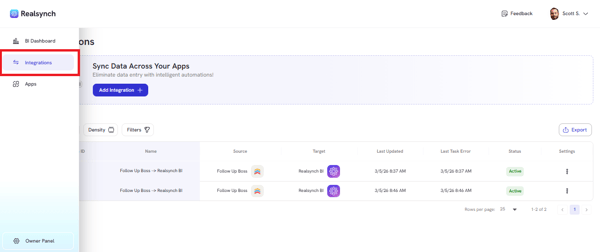
- To customize your Pipeline stages and call duration settings, go to Integrations
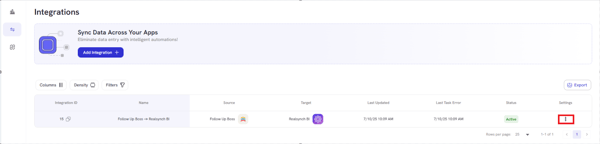
- Access the integration setting by selecting the Ellipsis on the right side of the Integration
- Click Edit, then go to Target (RealSynch BI) option
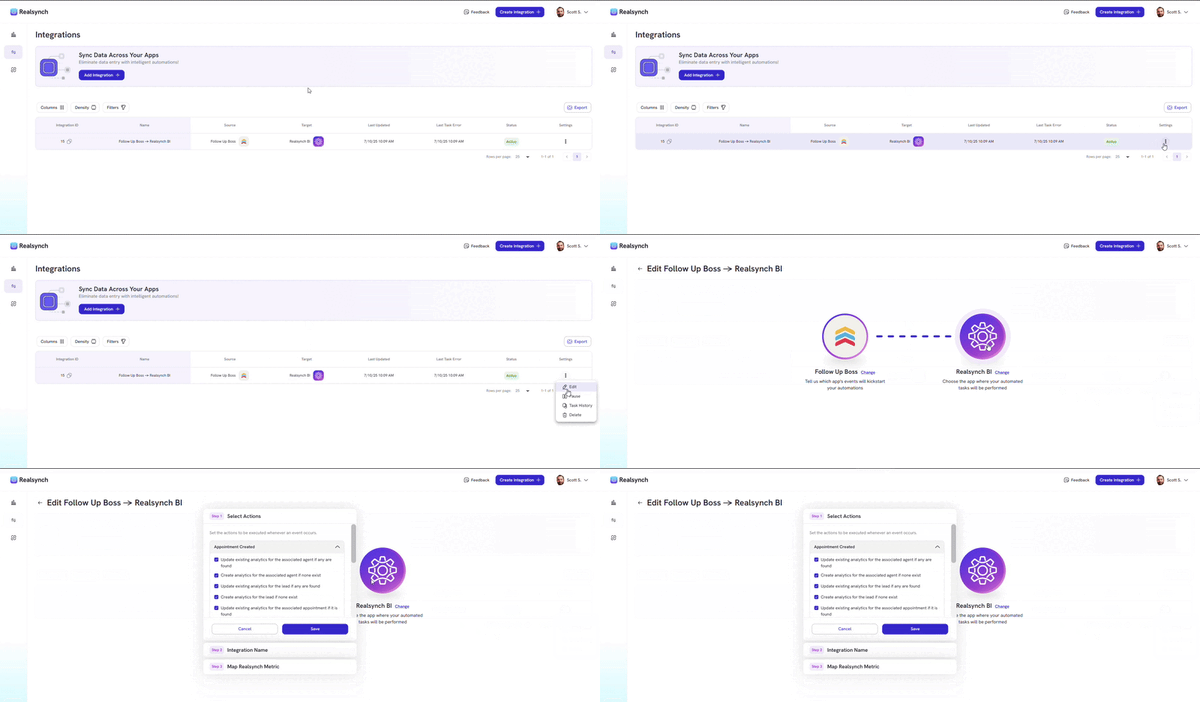
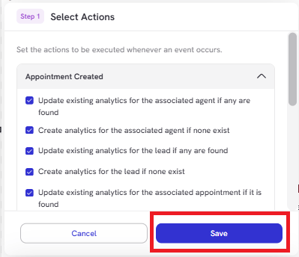
- Click save on each step until you reach the Map Realsynch Metric options.
- Choose the stage you wanted to customize, then click Done to save changes:
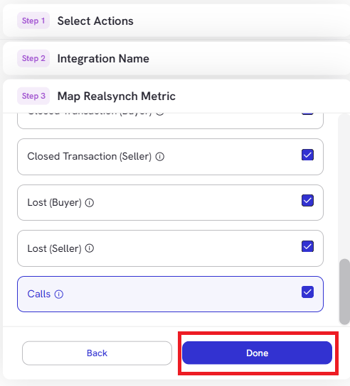
Using the same mapping method for Appointment Set and Appointment Met is required to ensure consistent reporting. Be sure to complete all metric mappings to finalize your integration.