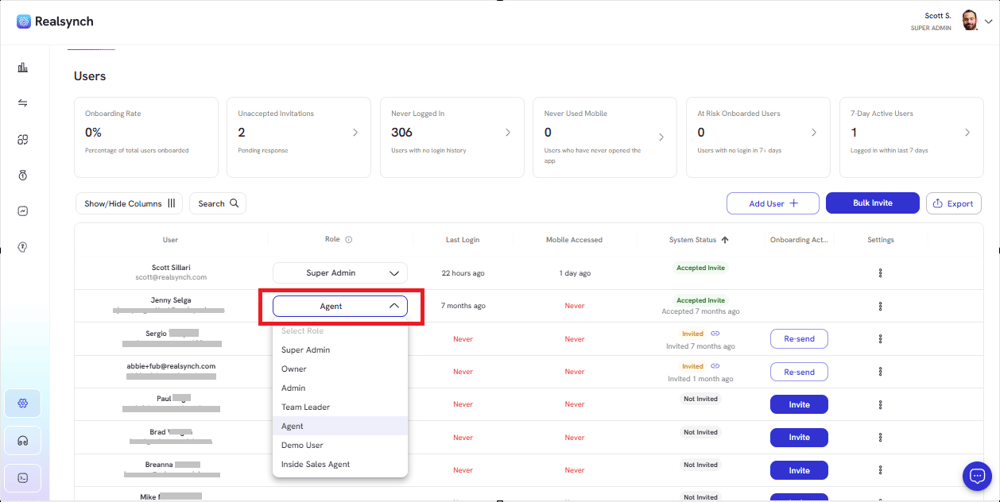
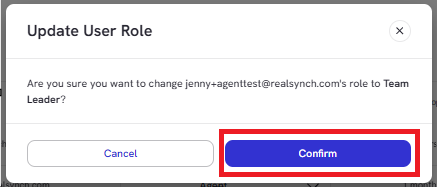
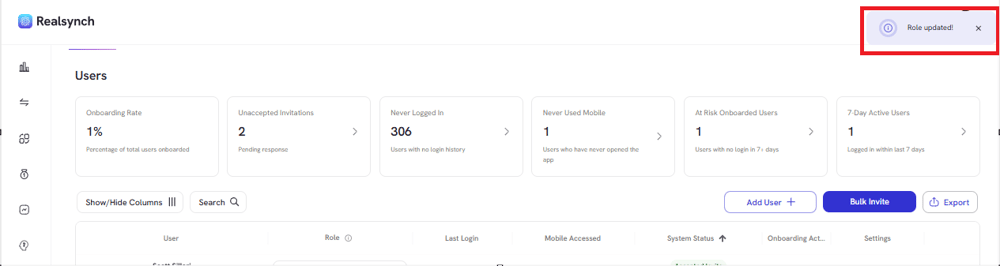
Business Intelligence Dashboard Updating Role Access Jenny Share this blog post on Twitter Share this blog post on Facebook Share this blog post on LinkedIn From your BI Dashboard, go to Owner Panel(gear icon on the left side) Find specific agent and click on Role dropdown Once role is chosen, click confirm Check notification banner at the top right of your screen for action confirmation
.png?width=45&name=unnamed%20(4).png)