
.png?width=45&name=unnamed%20(4).png)

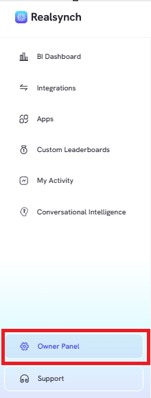
- Found on the left hand side of your dashboard (gear icon)
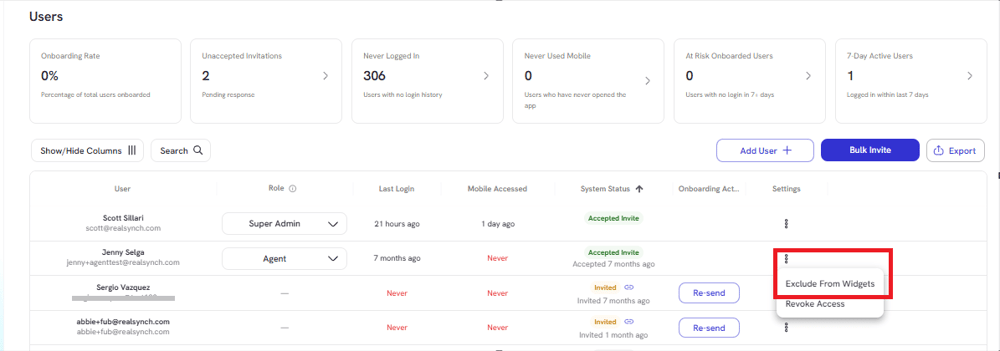
- Exclude specific agents from widgets using the ellipsis
- Select which widgets you want to exclude then hit save:
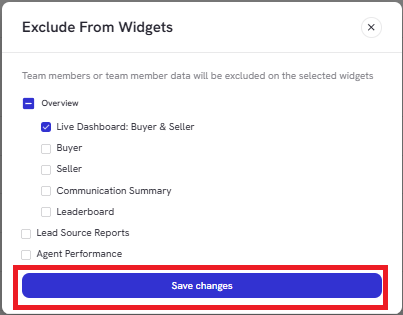
When excluded, an agent’s metrics will no longer appear in dropdowns or widget data views.