
.png?width=45&name=unnamed%20(4).png)

Organizations that do not have a CRM integrated with RealSynch can now invite team members directly from the Owner Panel. This allows agents to access the RealSynch mobile app and begin recording in-person conversations without first connecting a CRM.
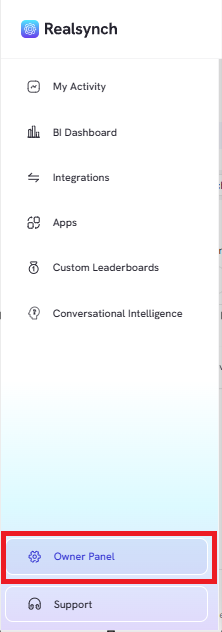
- After signing in, click the gear icon in the bottom-left corner to open the Owner Panel.
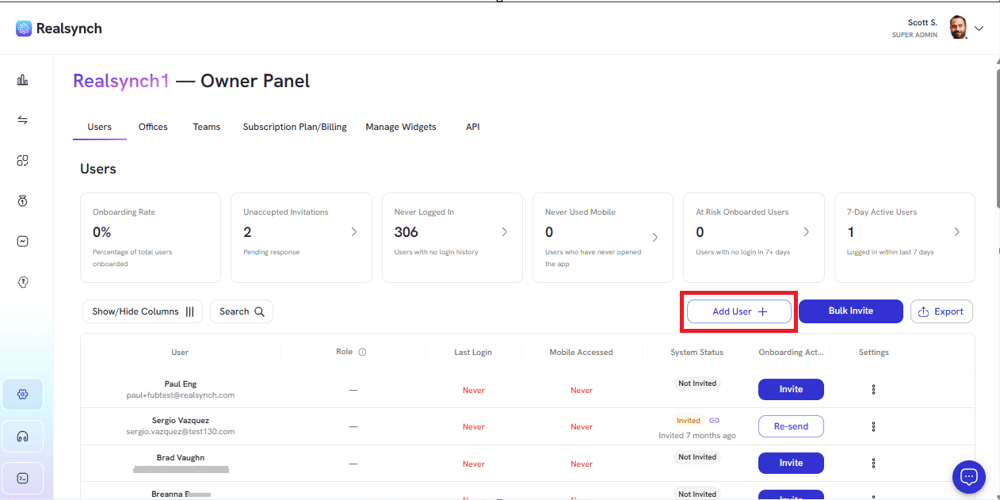
- Navigate RealSynch Users and click Add User:
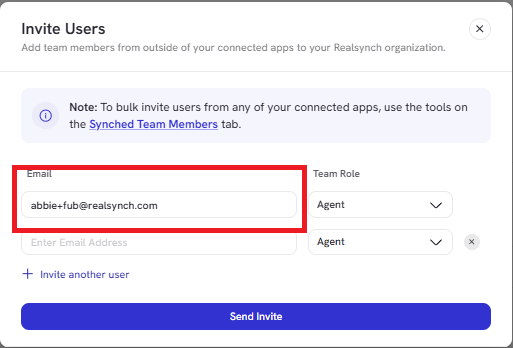
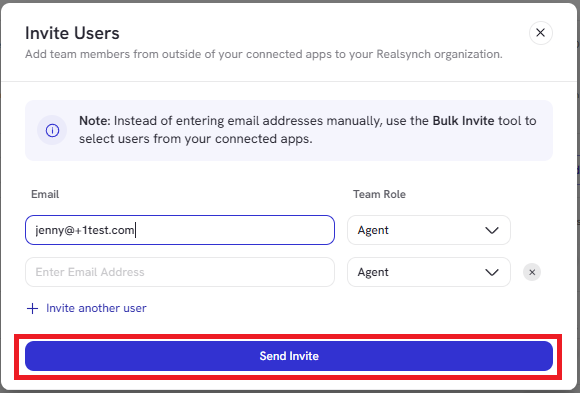
- Enter the agent's email address.
- Click the Team Role dropdown to update their type of role from your organization:
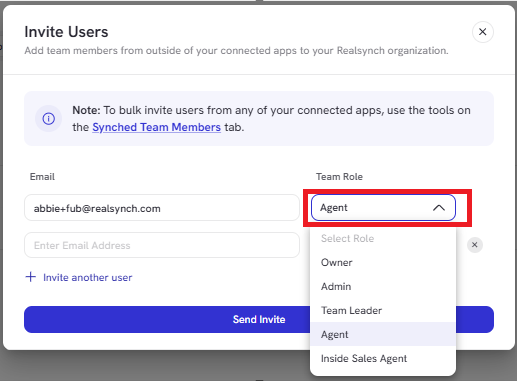
- Once done updating the role access, click Send Invite
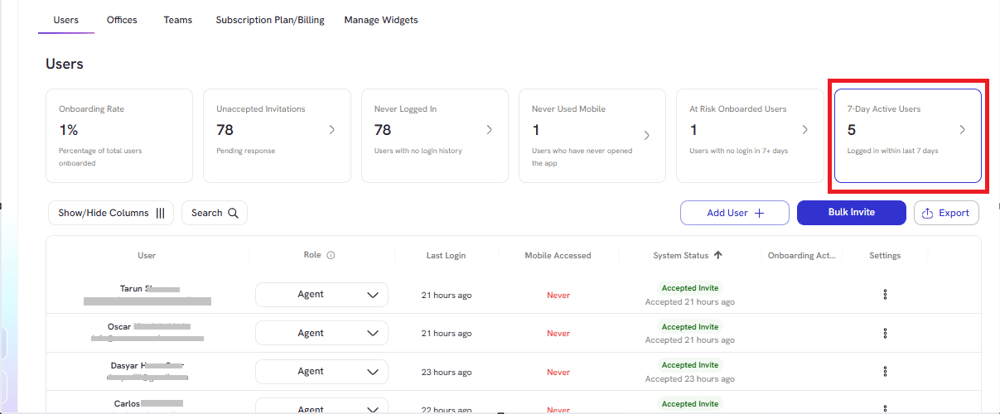
- You can view your team members that accepted the invite by clicking System Status or 7-Day Active Users:
.