.png?width=45&name=unnamed%20(4).png)

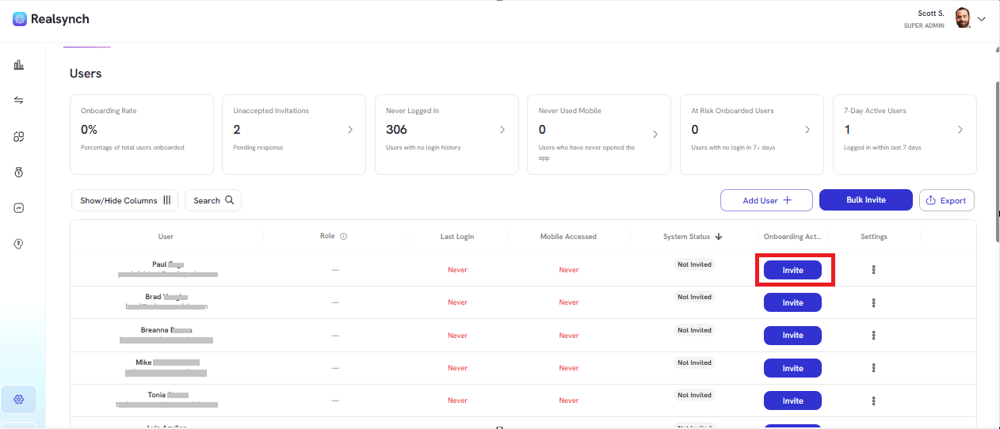
- From your BI Dashboard, go to Owner Panel (gear icon on the left side)

- Click on Invite to invite a specific agent
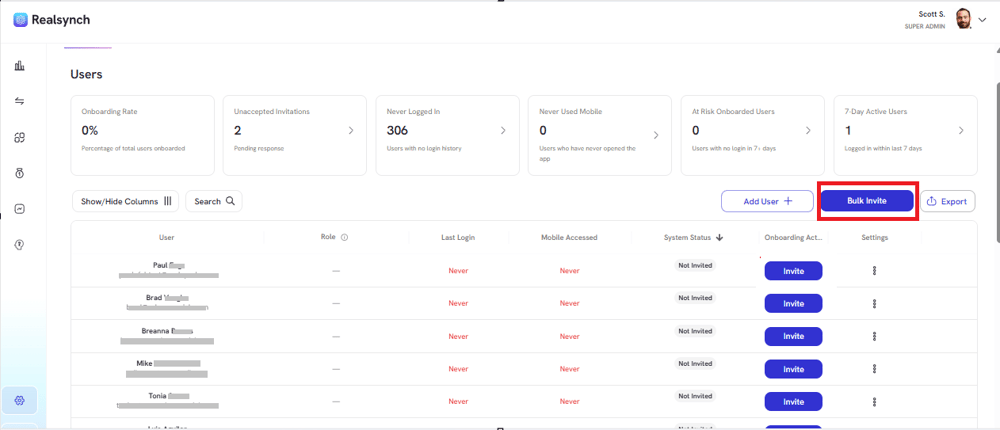
- Click the Bulk Invite button to send invitations to multiple team members at once.
-
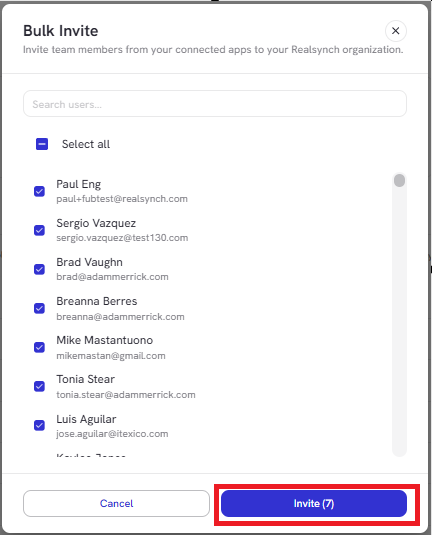
Use checkboxes to select multiple team members and select Send/Resend Invite option and the Go button.
- An email will be send to the team member’s email on file. See screenshot below
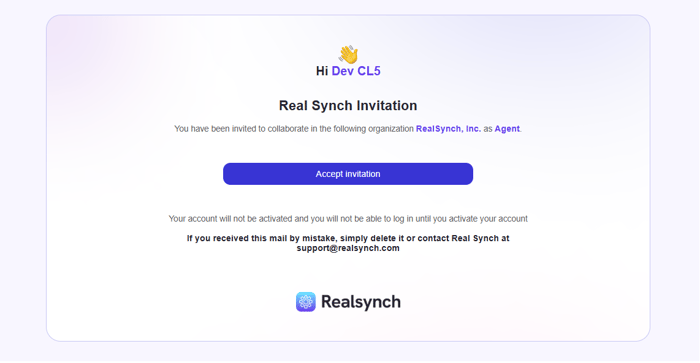
Note: Invitation expires after 14 days.
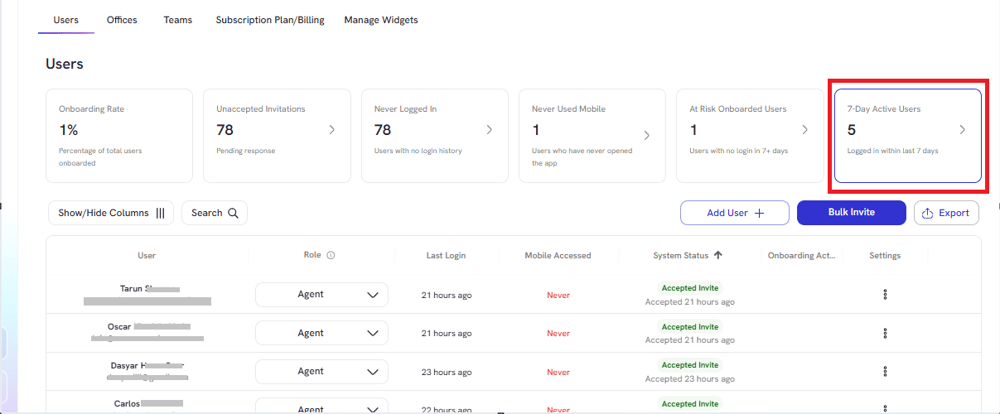
- You can view your team members that accepted the invite by clicking System Status or 7-Day Active Users:
- Upon initialization, team member will be redirected to the dashboard with his/her own data only.
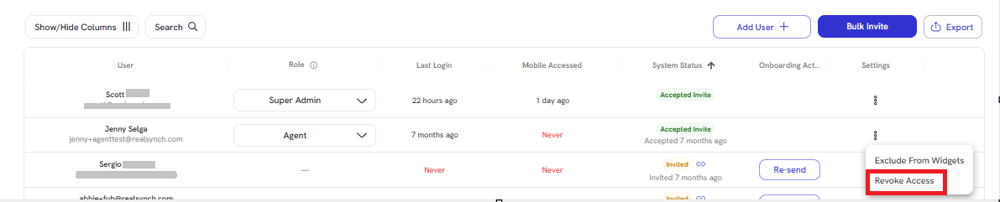
- As an owner, you may revoke RealSynch access from any user by selecting Revoke Access on the ellipsis.