
.png?width=45&name=unnamed%20(4).png)

This article provides guidance on accessing your account and navigating the app's key features, including lead and deal management, voice recording, AI insights, and the BI dashboard.
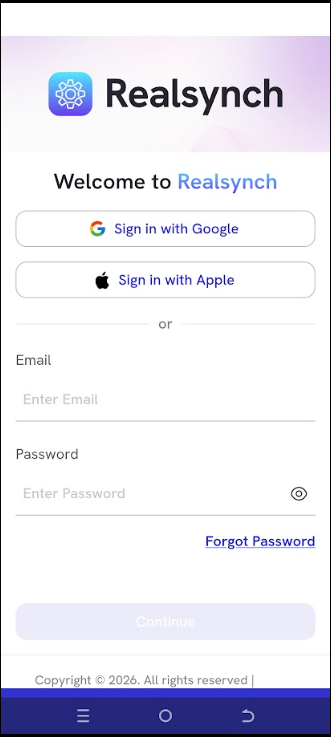
- Sign in using the credentials you used when accepting your email invite
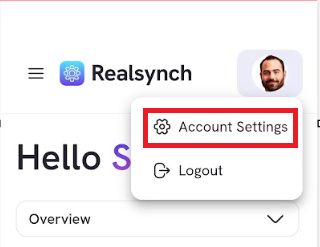
- Click your profile picture at the top right to access account settings and update your password.
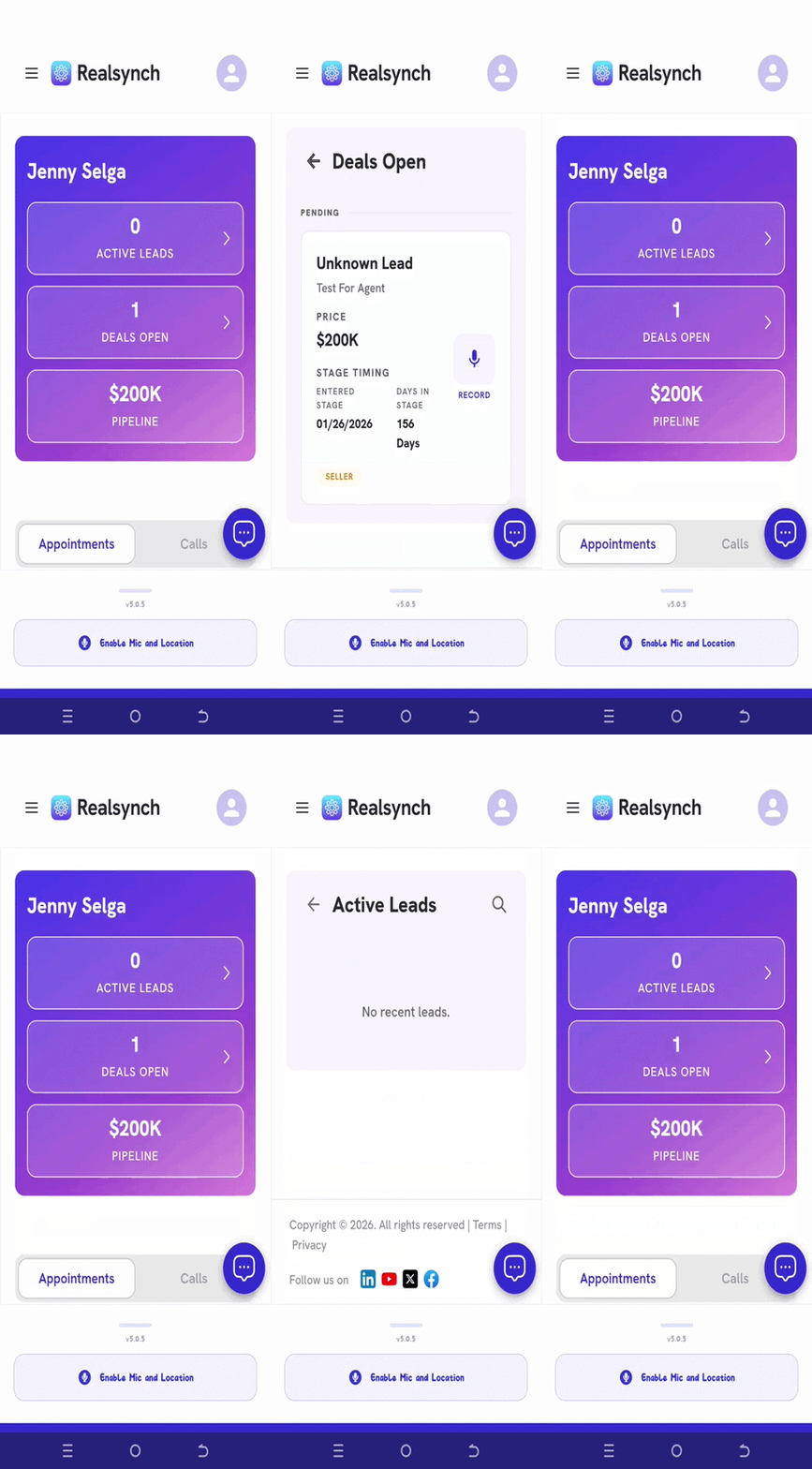
- Review active leads, open deals, and pipeline
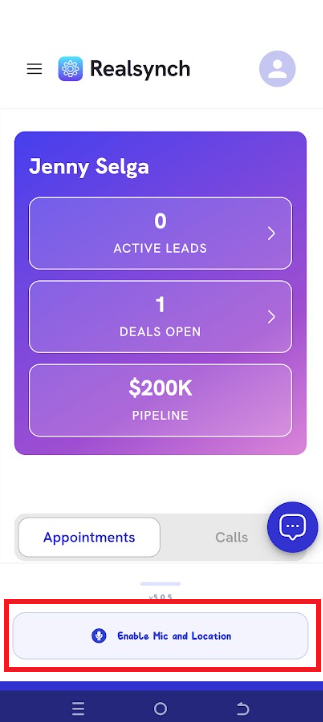
- To record, click Enable Mic & Location.
- After uploading recordings, click appointment cards to view AI insights
.gif?width=200&height=500&name=ezgif.com-gif-maker%20(2).gif)
- Click the top RealSynch logo to view your BI dashboard.
.gif?width=200&height=500&name=ezgif.com-gif-maker%20(1).gif)