.png?width=45&name=unnamed%20(4).png)

Access Conversation Intelligence to view AI insights and performance trends. Note that this feature is restricted to Owners, Admins, and Team Leaders.
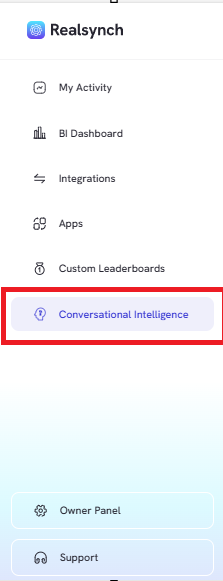
- From the RealSynch menu, click the “Conversation Intelligence” tab
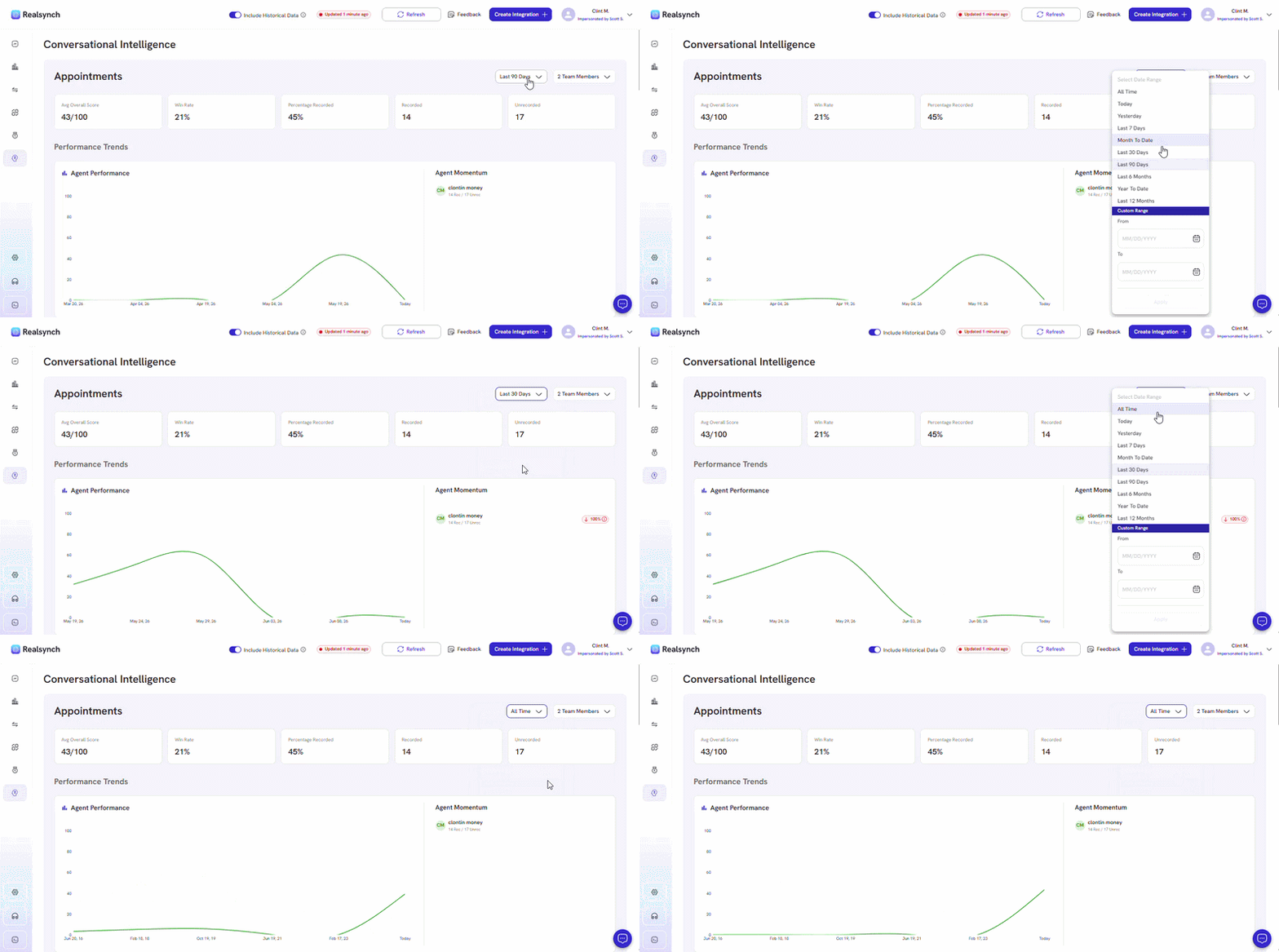
- View your Agent’s Performance Trend and their number of recorded appointments on Agent Momentum card based on a specific timerange
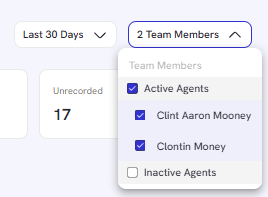
- Use the Team Member dropdown to view a specific agent Appointment AI Insight
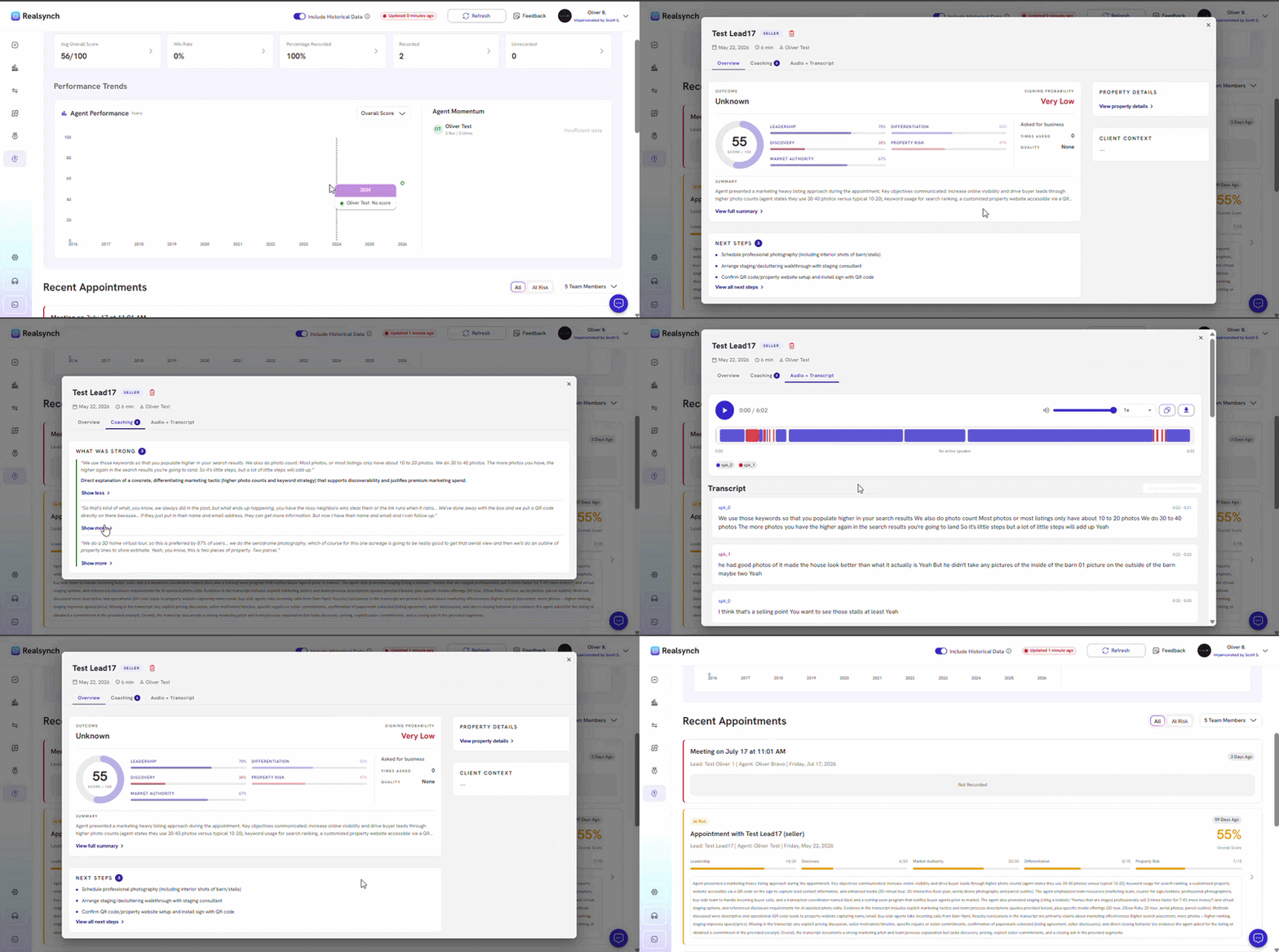
- Click on the appointment title and check your agent’s recent appointment AI Insight: