

This document provides a guide on how to access and navigate RealSynch’s Conversation Intelligence feature to view AI-driven insights, coaching metrics, and agent performance trends.
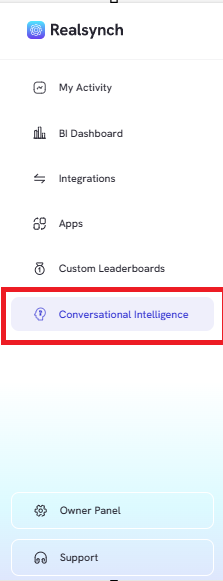
- From the RealSynch menu, click the “Conversation Intelligence” tab
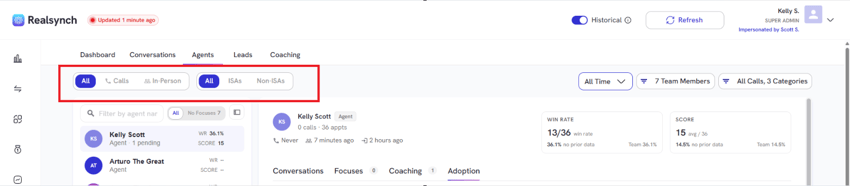
- Filter insights by type (All, Calls, or In-Person) and agent category (All, ISAs, or Non-ISAs)
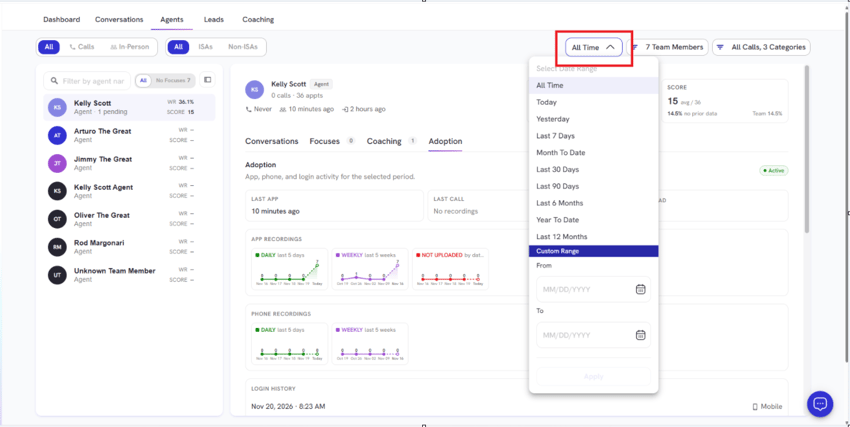
- Select preset ranges or define a Custom Time Range
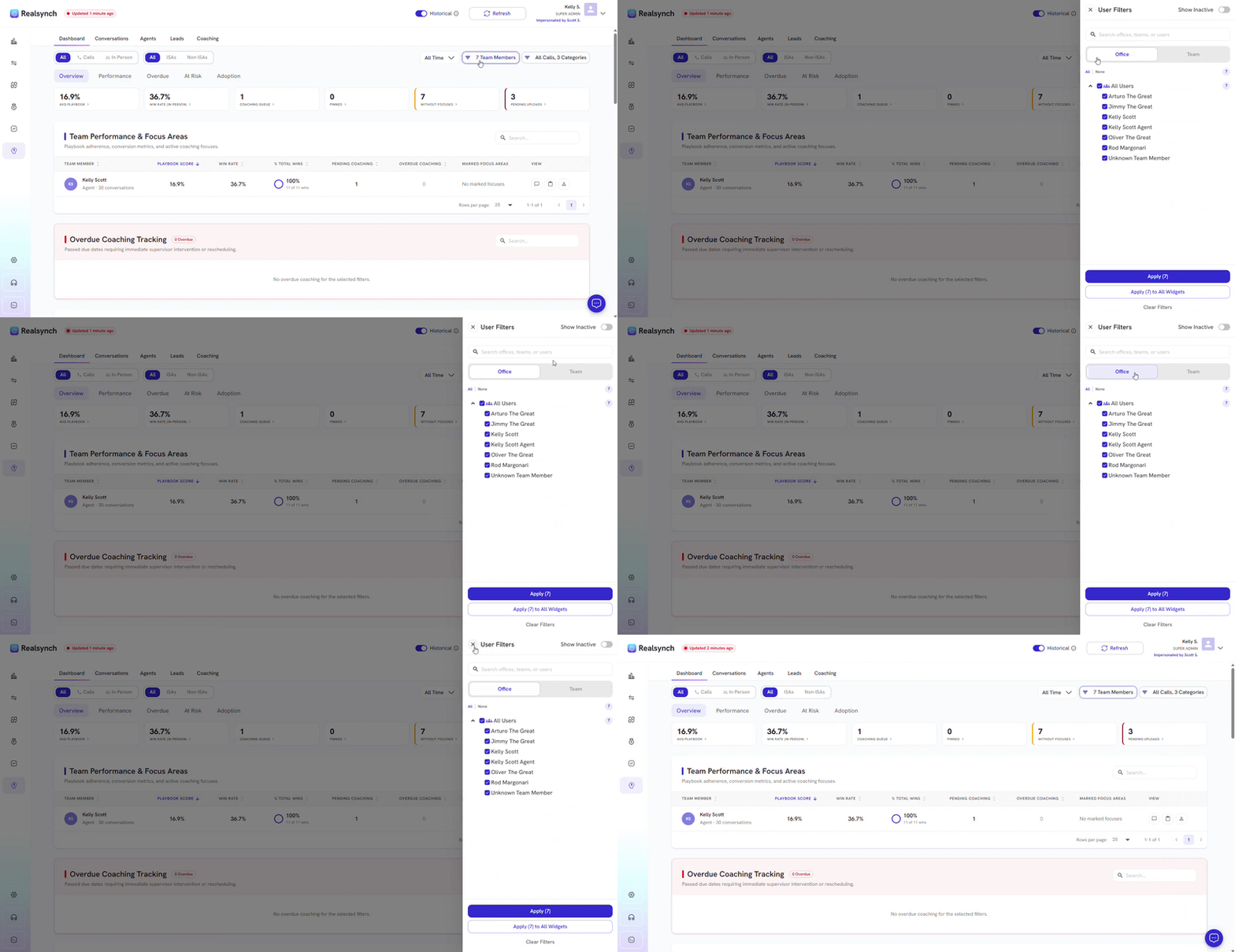
- Filter by team members, offices or teams
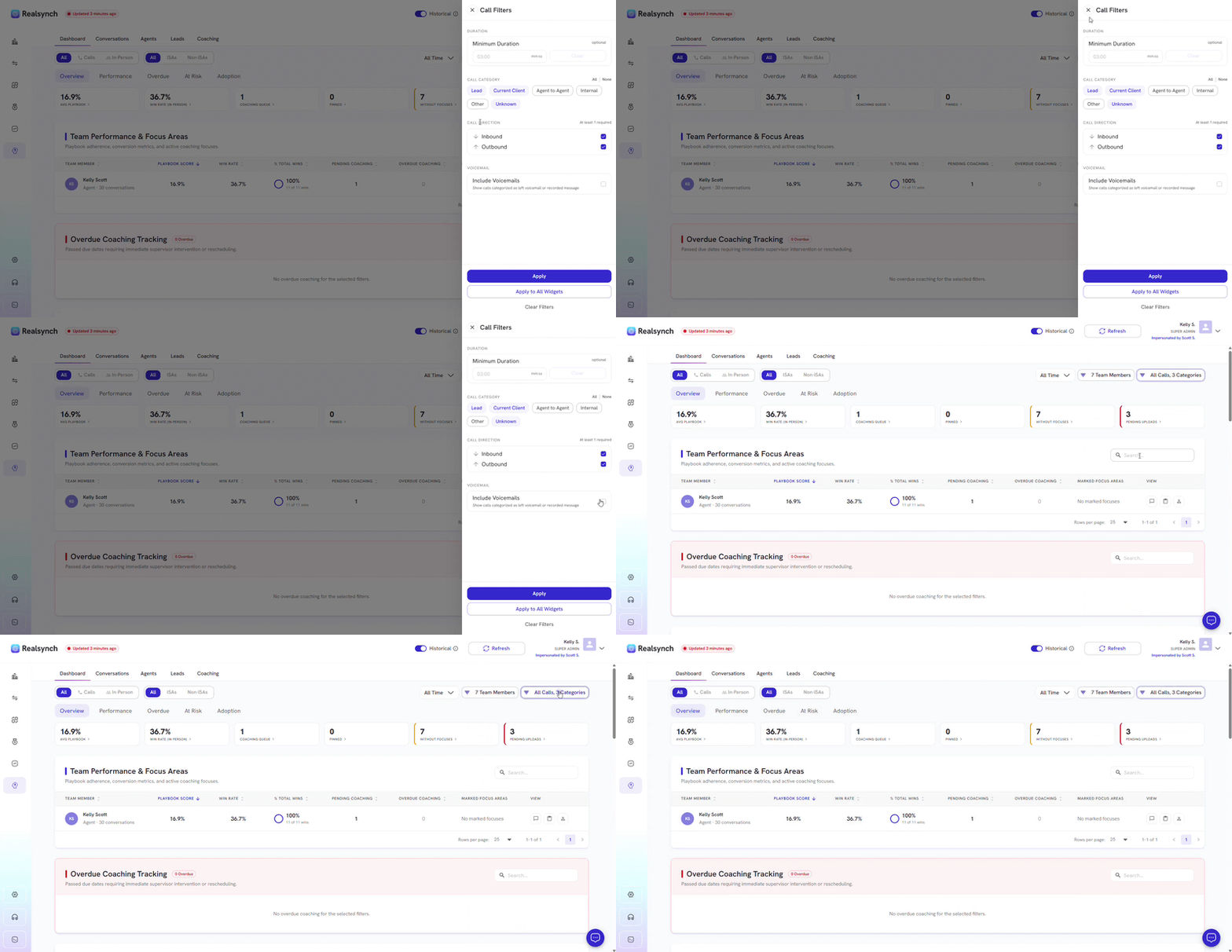
- Filter call duration, categories or include voicemails
-
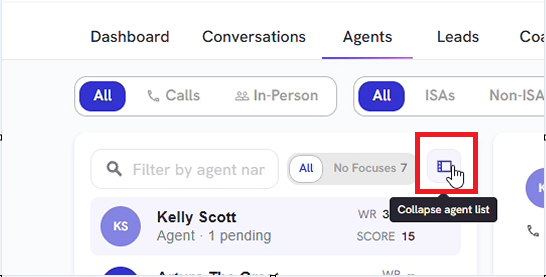
Minimize the sidebar to get a larger screen to view agent details
-
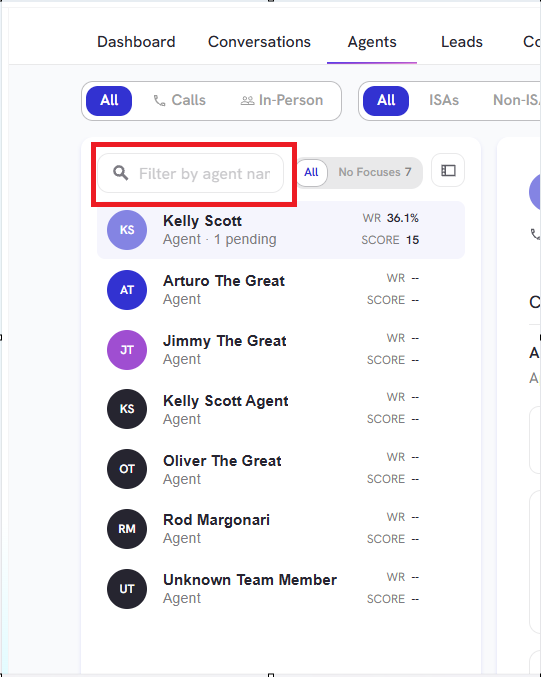
Use the search bar to filter a specific agent
-
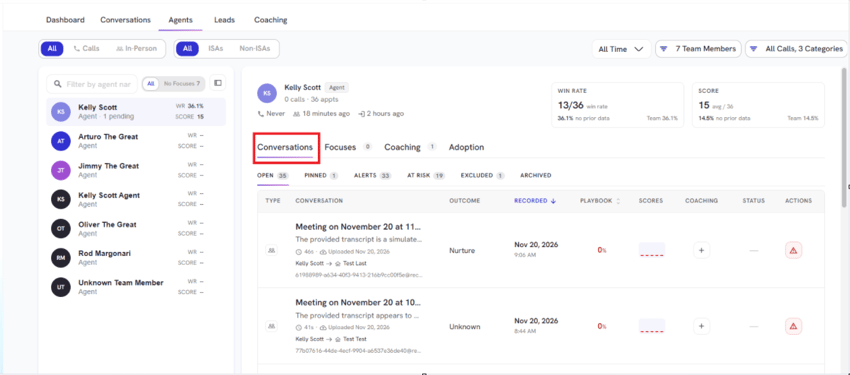
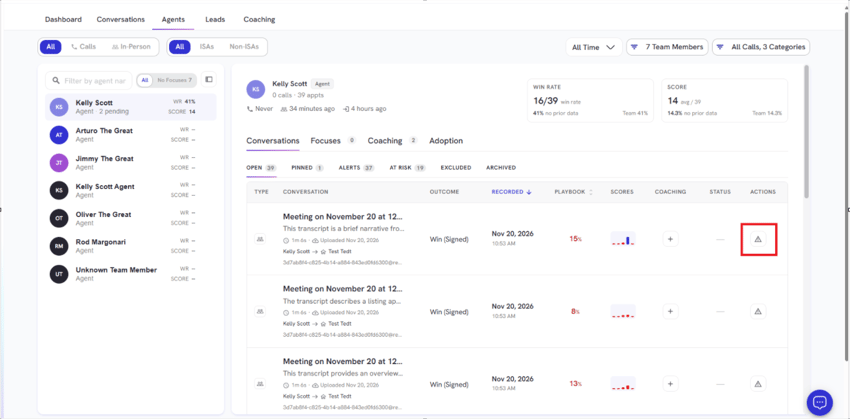
View Conversations from a specific agent
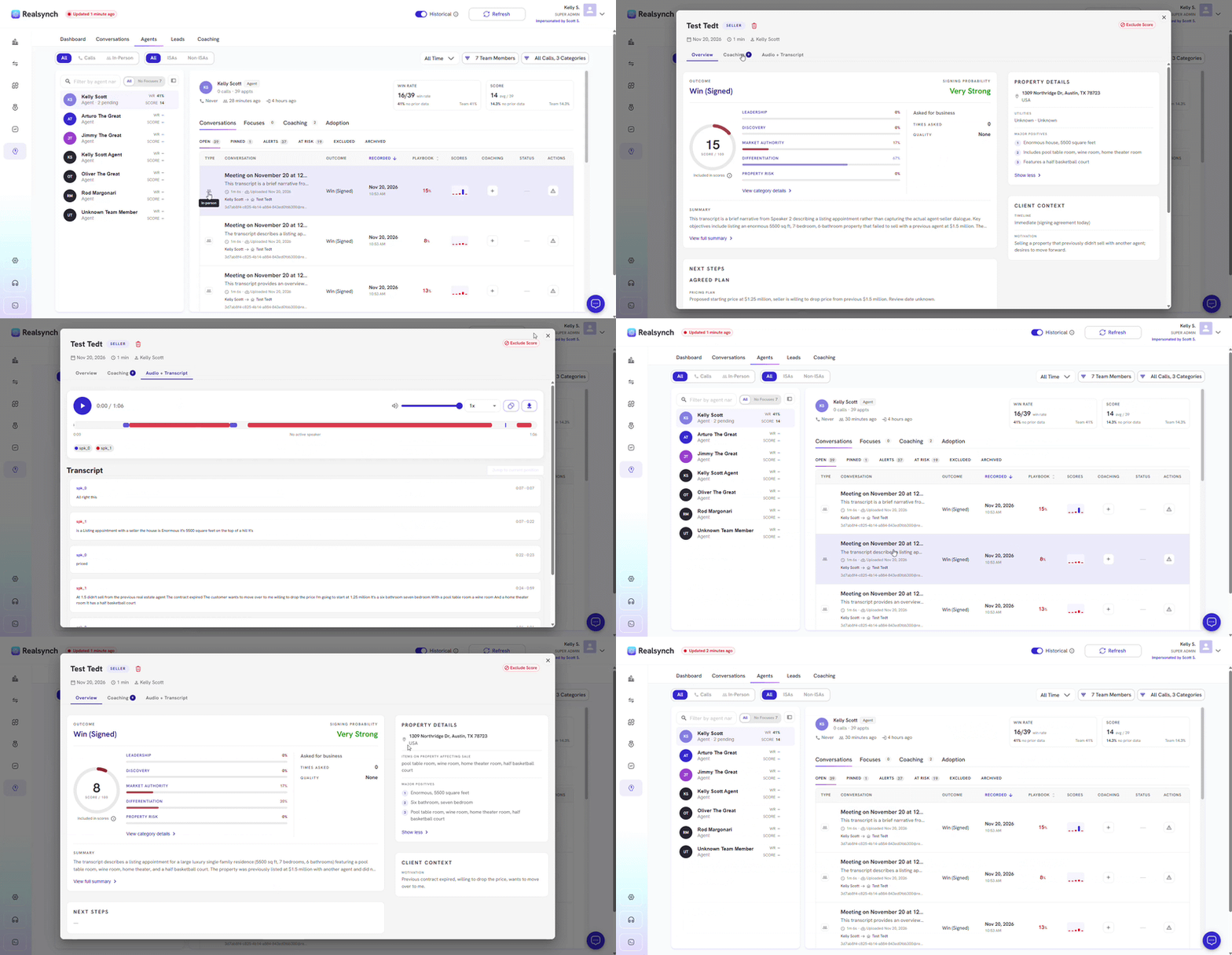
- View AI Insight from a specific Conversation
-
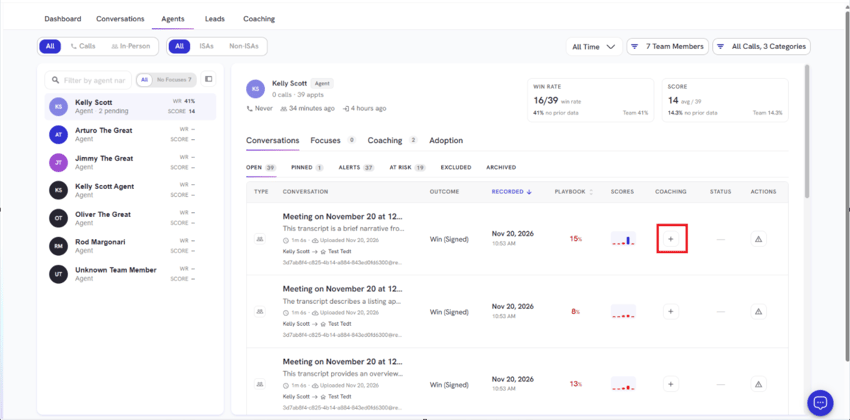
Add a coaching request from a specific conversation of your chosen agent
-
Mark an agent's conversation At Risk
-
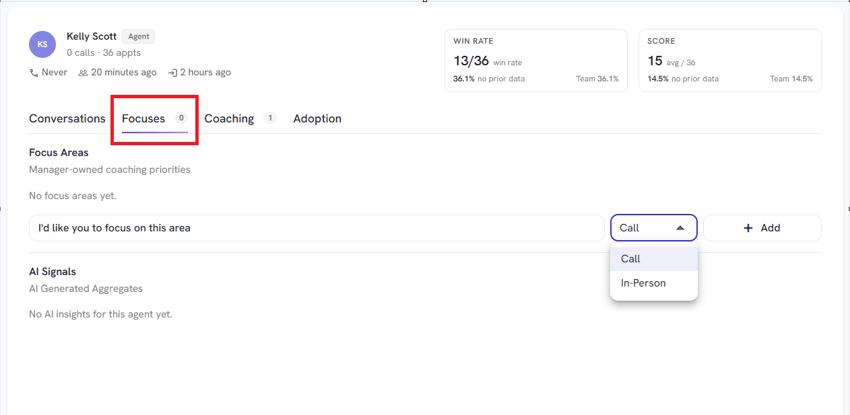
Add a Focus area by choosing between calls or in-person conversations
-
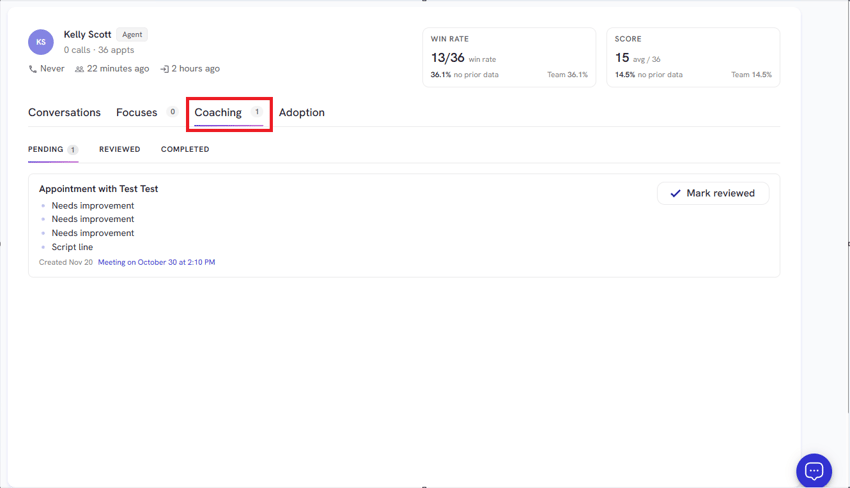
View Pending, Reviewed and Completed Coaching from a specific agent
-
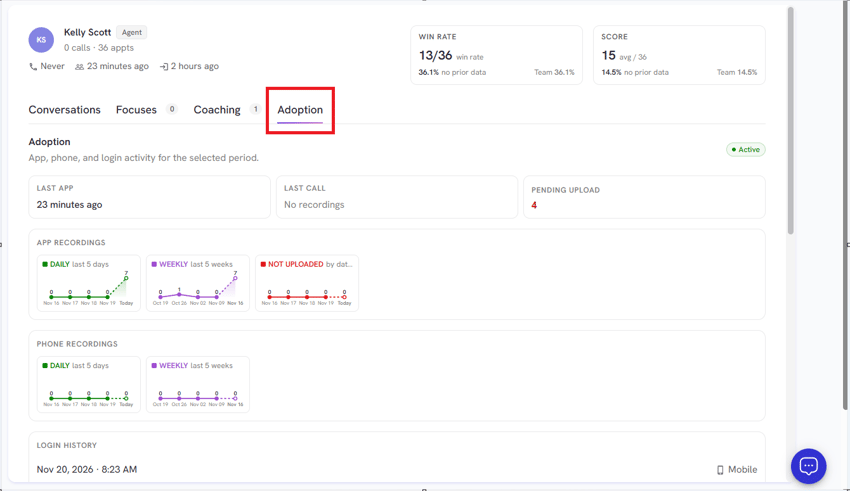
View agent adoption data