


This document is a step-by-step guide on how to access, filter, and navigate lead-specific conversation intelligence data including calls, outcomes, and deals within the RealSynch platform.
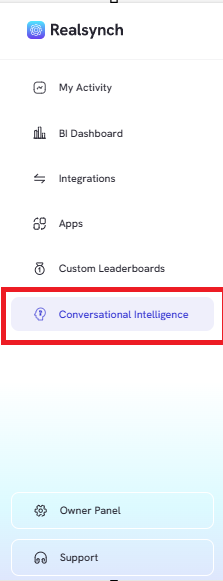
- From the RealSynch menu, click the “Conversation Intelligence” tab
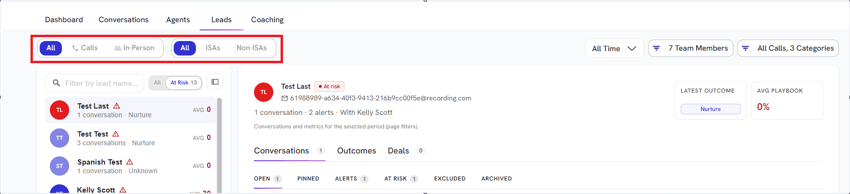
- Filter insights by type (All, Calls, or In-Person) and agent category (All, ISAs, or Non-ISAs)
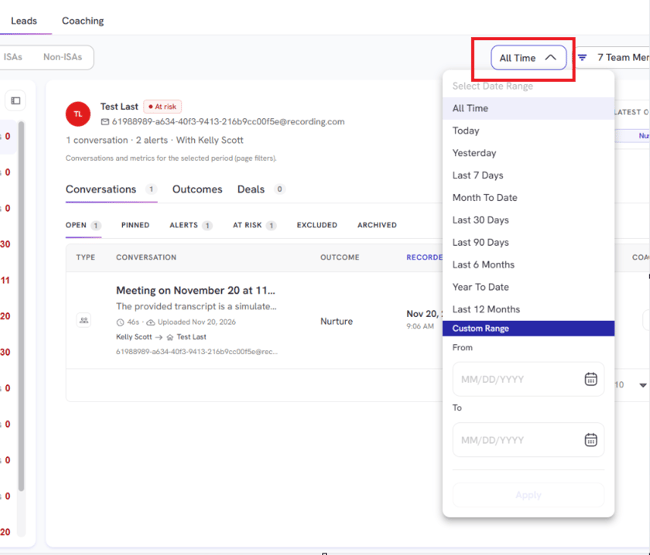
- Adjust the date range using the time selector or custom data periods.
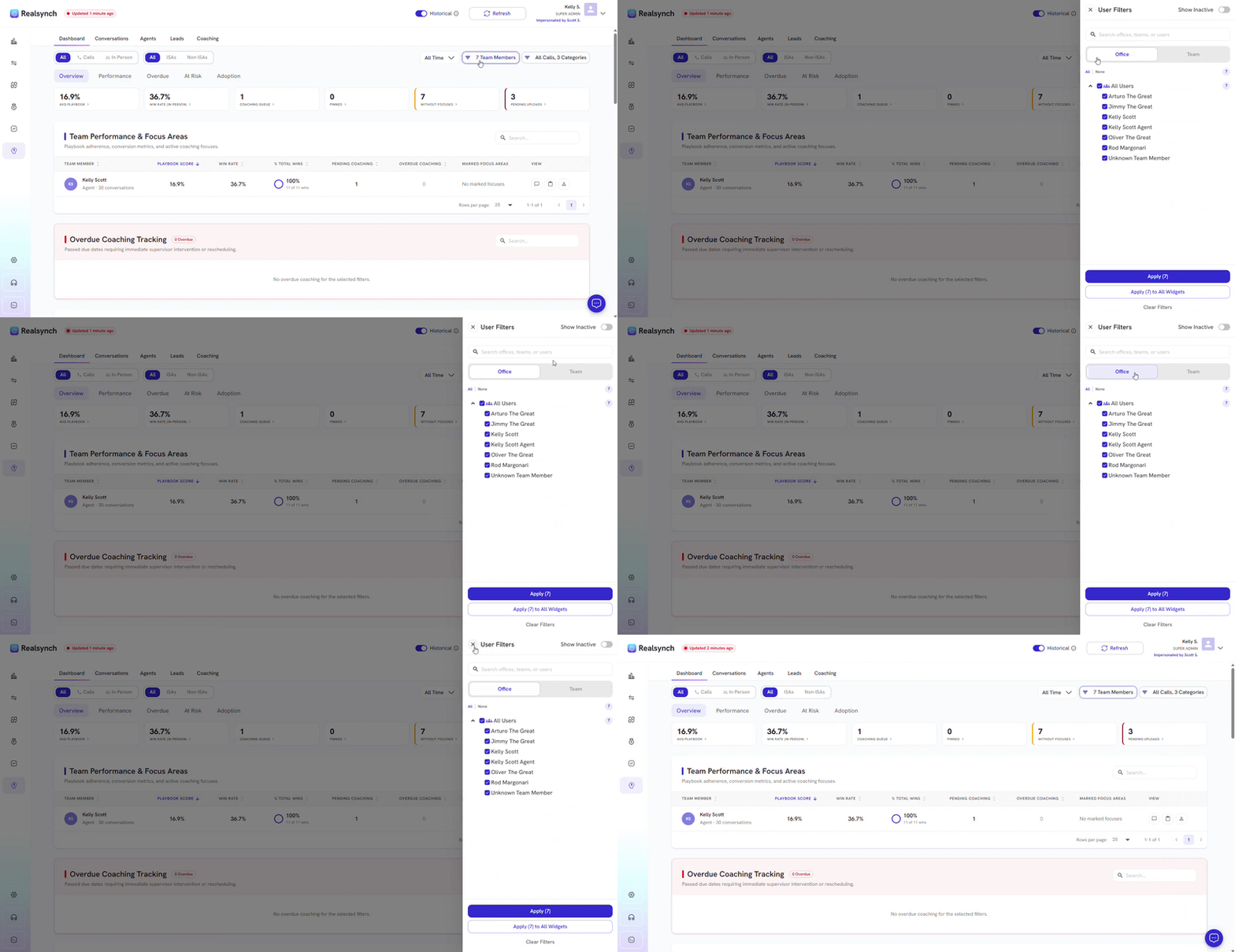
- Filter by team members, offices or teams
- Filter call duration, categories or include voicemails
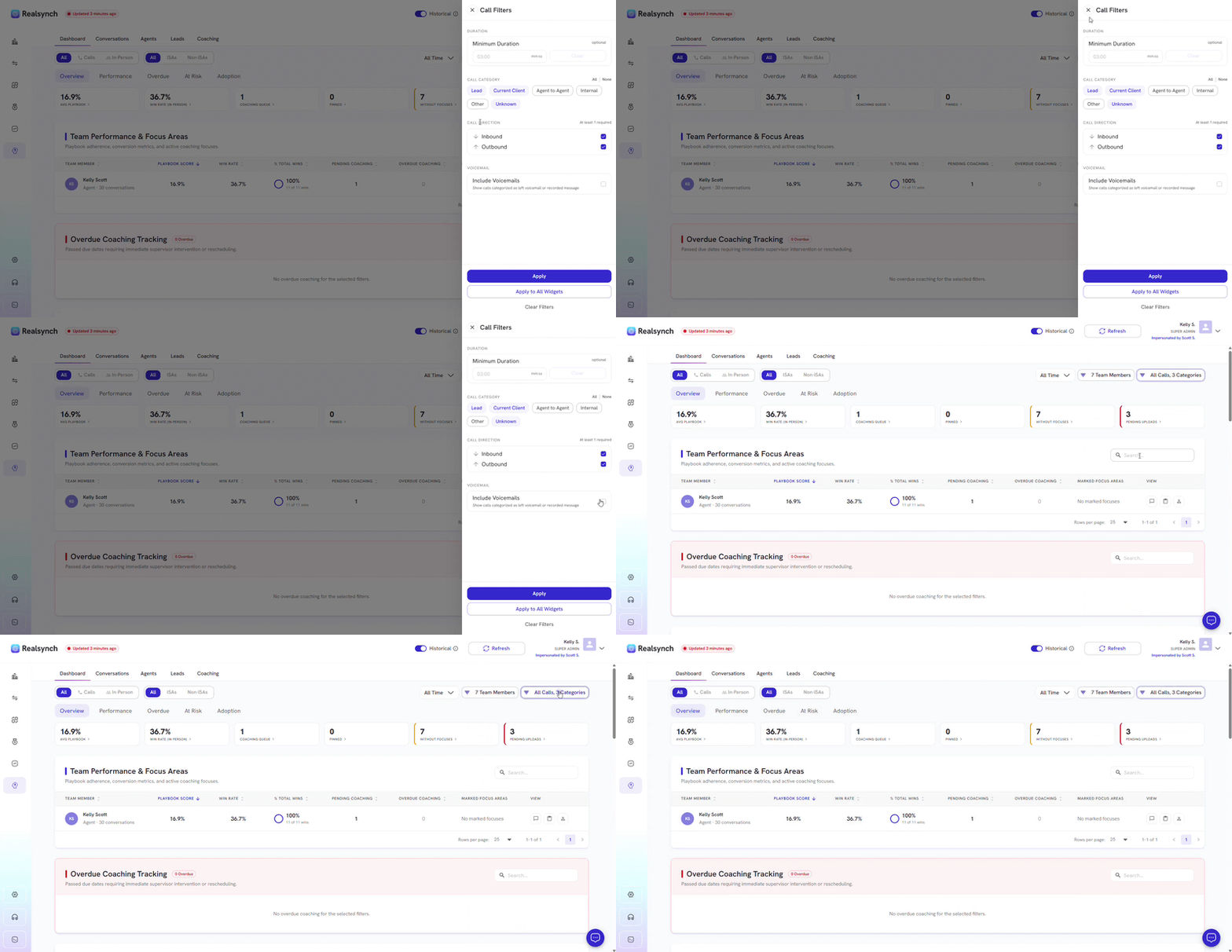
- Minimize the sidebar to get a larger screen to view agent details
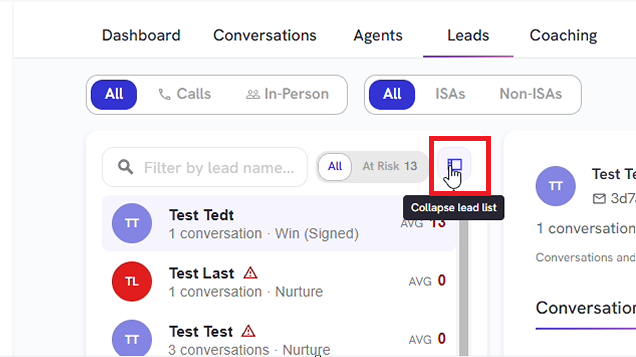
- Use the Search bar to filter a specific lead
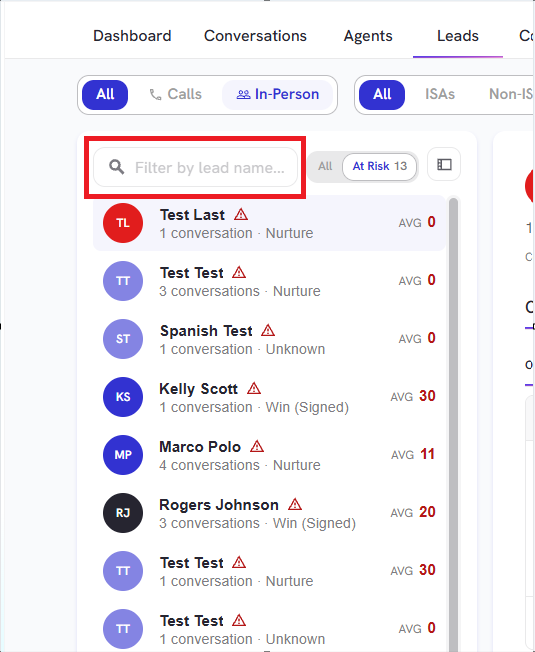
- View Conversations made to a specific lead
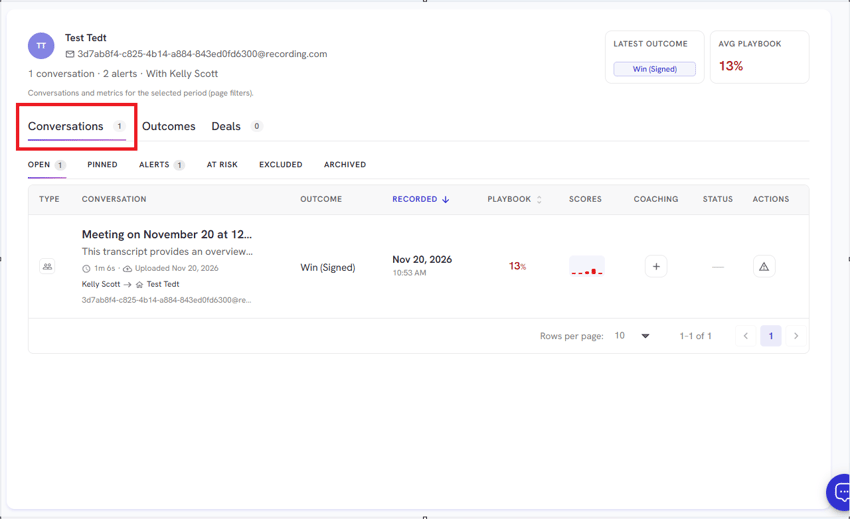
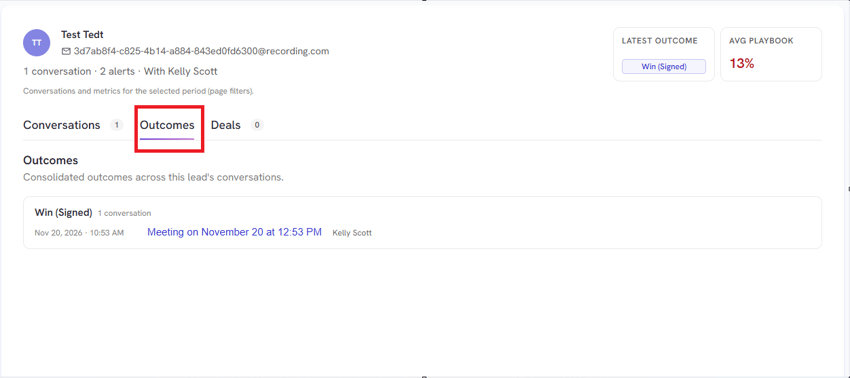
- View the different Outcomes based from the Conversations made to a specific lead
- View Deals made to a specific lead