

This guide outlines how to use RealSynch's Conversation Intelligence feature to create coaching requests, set deadlines, and manage agent performance reviews.
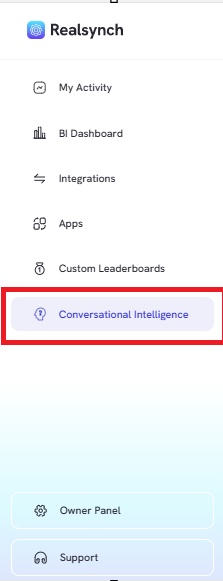
- From the RealSynch menu, click the “Conversation Intelligence” tab
Coaching forms can be added to specific conversations directly from the Dashboard, Conversations, Agents, or Leads tabs. To begin:
- Locate the target conversation and click the + icon under the Coaching column

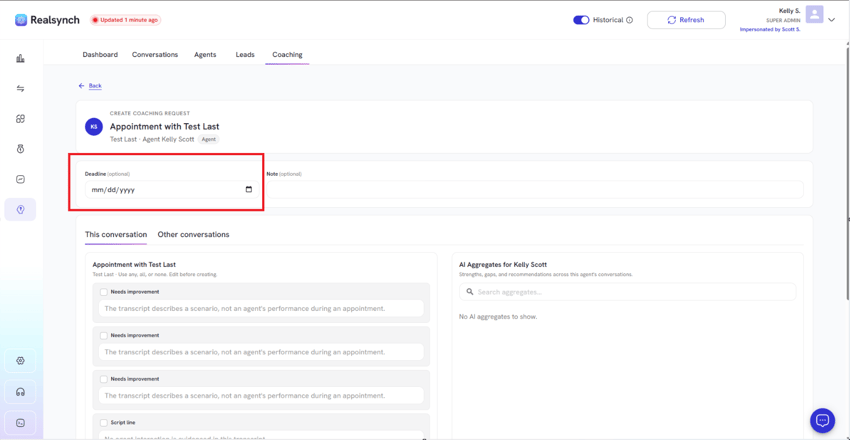
- Select a deadline date for the coaching review.
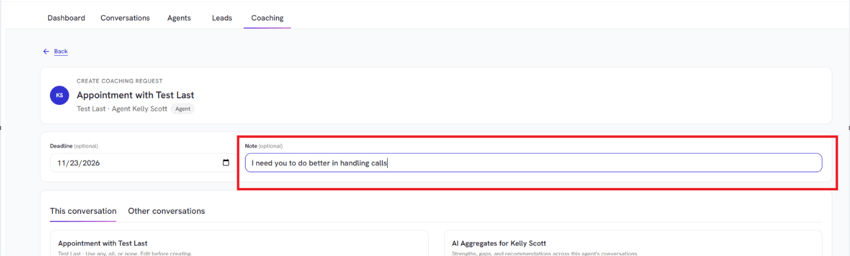
- Manually type any specific coaching notes or feedback.
- Select items from the AI aggregates for the current conversation
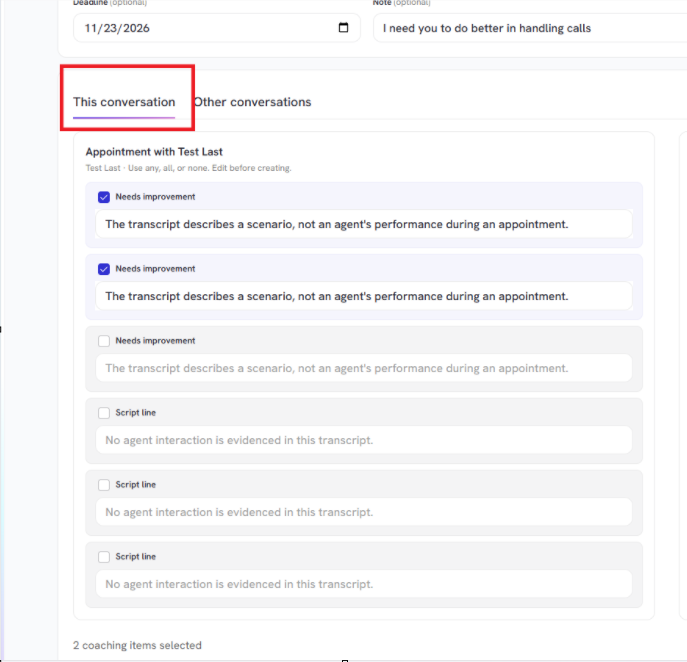
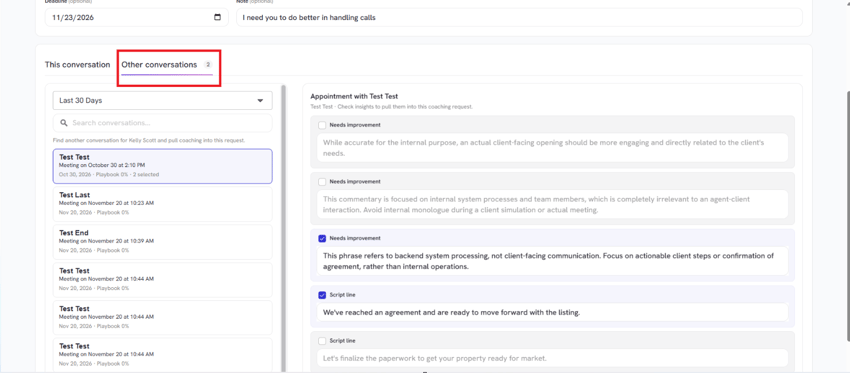
- Switch to the Other conversations tab to pull relevant insights from past interactions
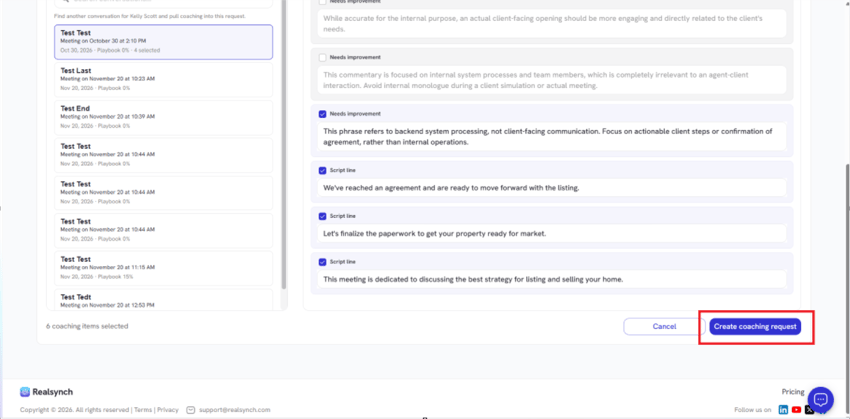
- Click Create coaching request at the bottom of the page.
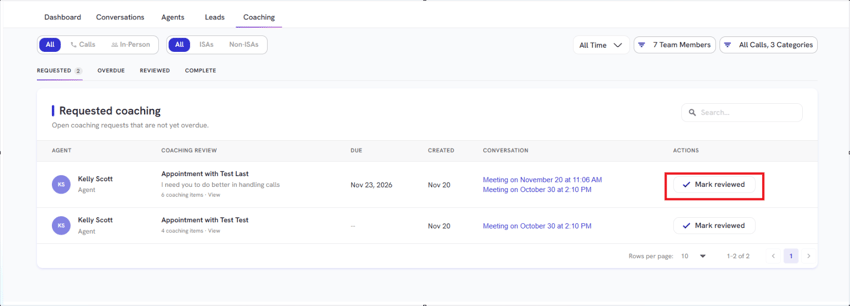
- Navigate to the Coaching tab, review the open requests, and click Mark reviewed once completed.