.png?width=45&name=unnamed%20(4).png)

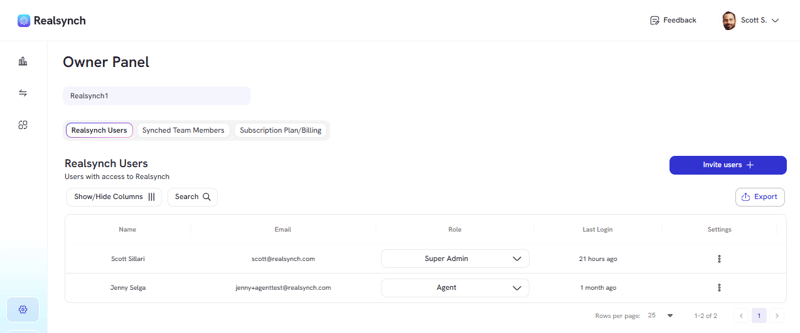
- From your BI Dashboard, go to Owner Panel(gear icon on the left side)

- View RealSynch Users list to see team members accepted the invitation
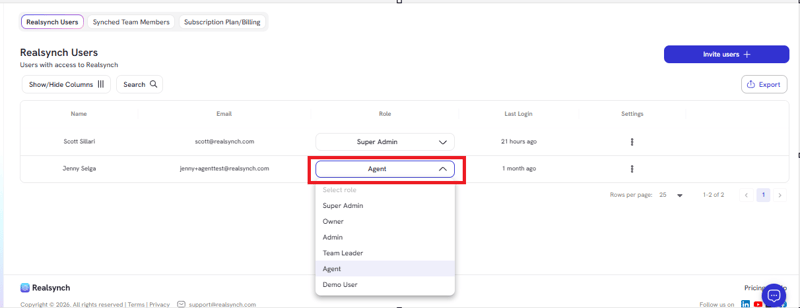
- Find specific agent and click on dropdown
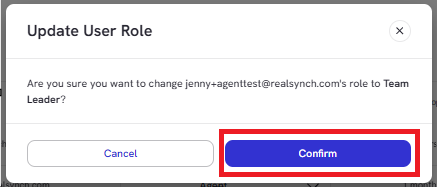
- Once role is chosen, click confirm
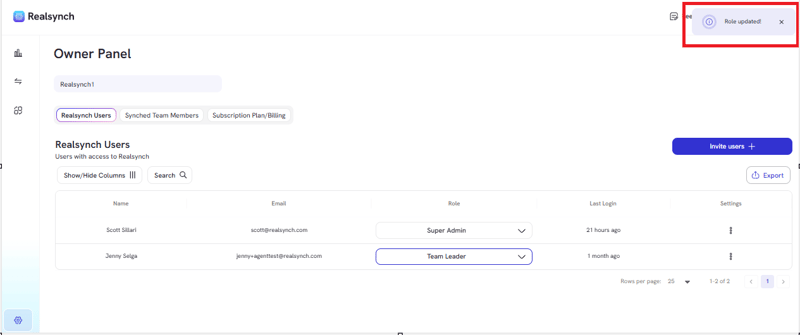
- Check notification banner at the top right of your screen for action confirmation