.png?width=45&name=unnamed%20(4).png)

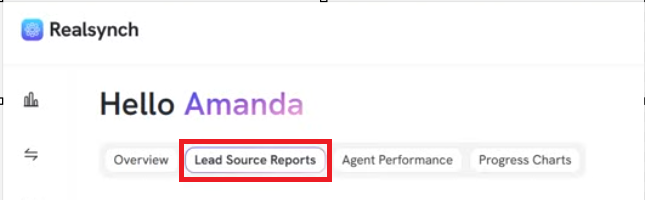
- From Realsynch BI dashboard, click Lead Source Report:
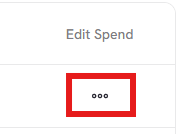
- Click on the 3 dots under Edit Spend
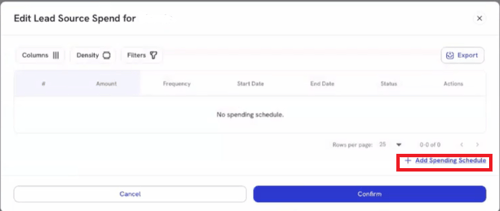
- Click on Add Spending Schedule
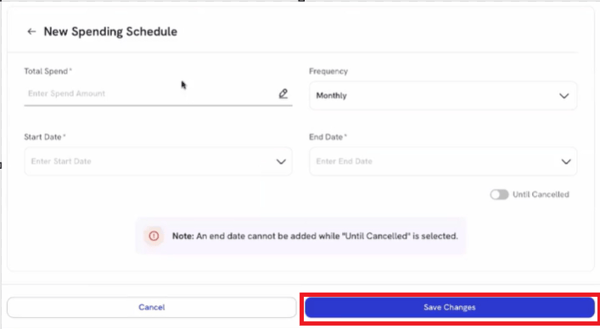
- Enter the monthly spend amount for the specific lead source.
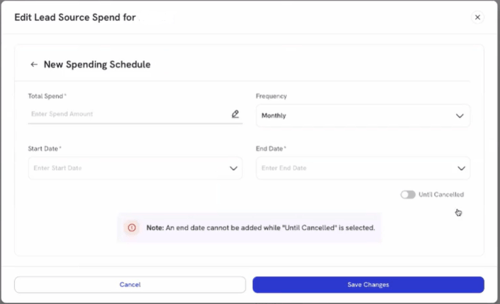
- Select Start Date dropdown:

- Select End date dropdown:
Note: Must be after Start Date

- Or Select Until I Canceled (will show No Date)

- Once added, click Save Changes and the system will calculate metrics like cost per lead and ROI for the specific lead source.