.png?width=45&name=unnamed%20(4).png)

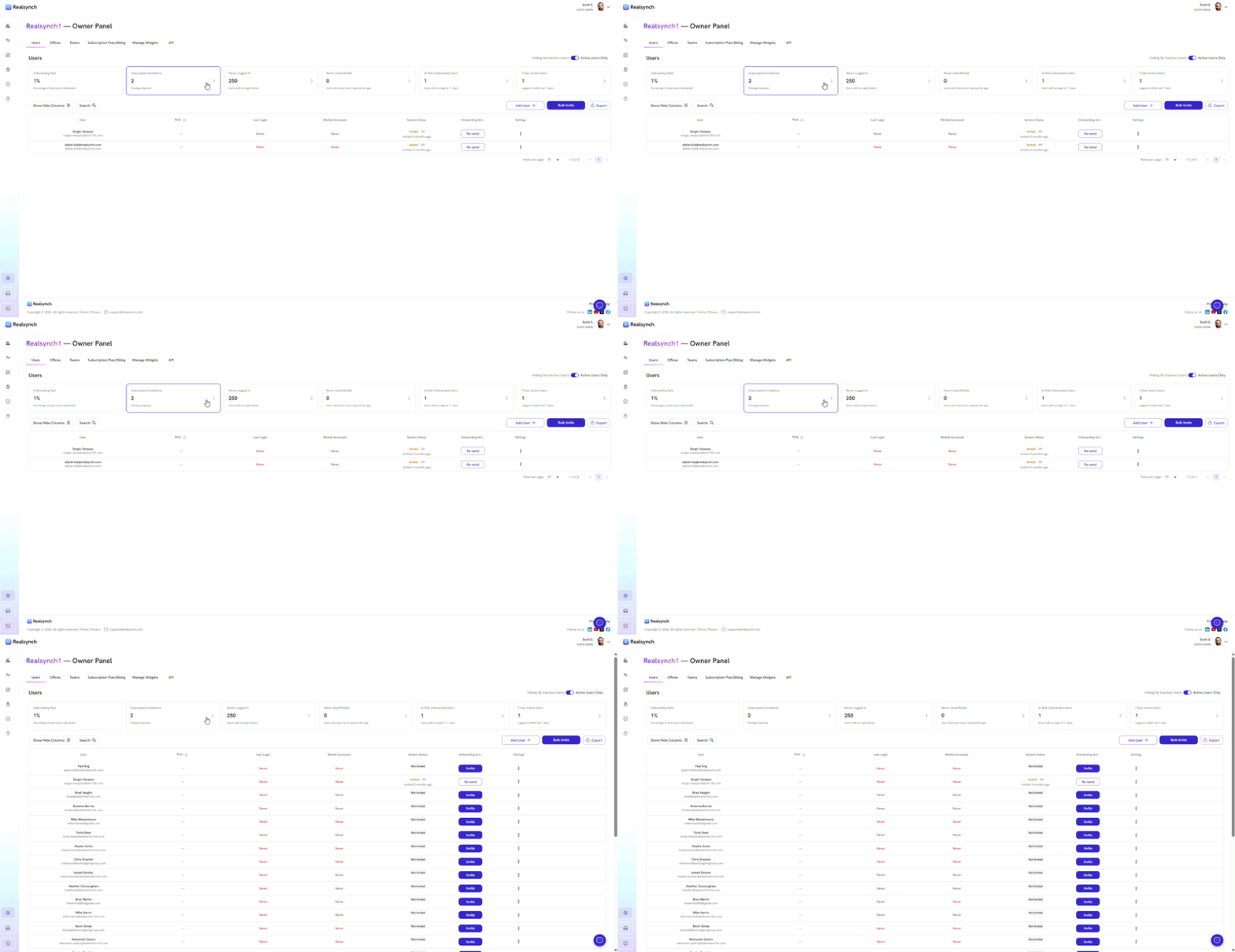
- From your BI Dashboard, go to Owner Panel (gear icon on the left side)

- Toggle active users to hide inactive users

- Click each cards that summarize overall platform adoption and user engagement
-
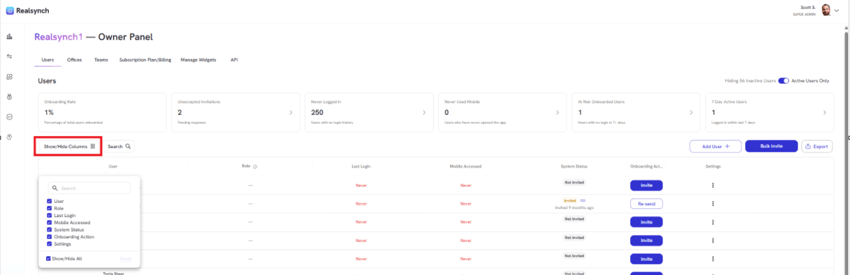
Show or Hide Columns
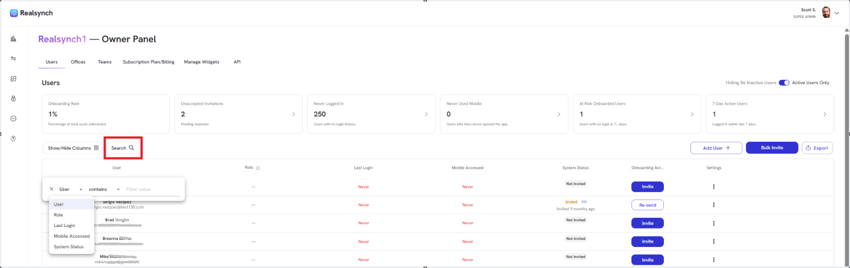
- Click Search to filter your view
- Add a user
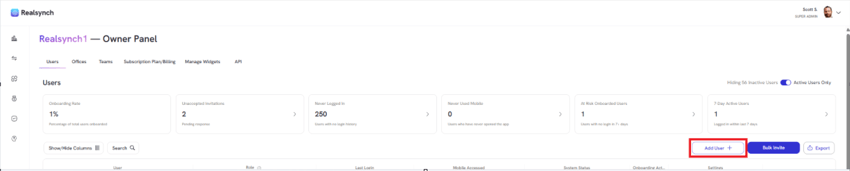
Note: Applicable when adding a user who is not an active user in your connected CRM.
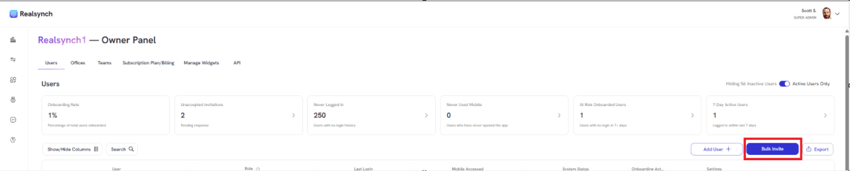
- Use Bulk Invite to send invitations to multiple users at once
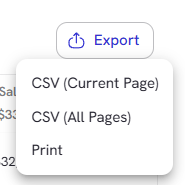
- Click export button to download current page or all pages of your report in CSV format